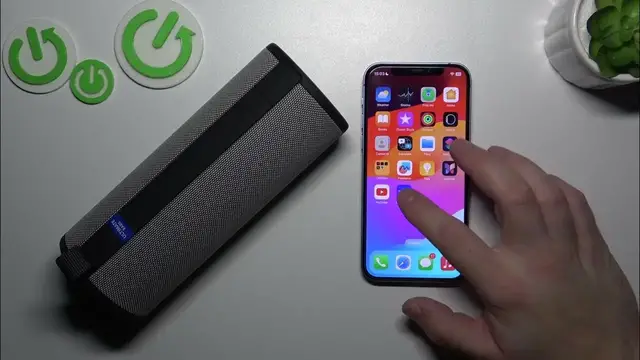

How to: Check Ultimate Ears Boom 3 Serial Number with Ease Using the App
Jan 17, 2024

Find out more: https://www.hardreset.info/devices/
Unlock the convenience of managing your Ultimate Ears Boom 3 with this informative YouTube video on how to effortlessly check the serial number using the dedicated app. In this tutorial, we delve into the user-friendly process, ensuring that you can quickly access essential information about your audio device. Whether you're troubleshooting or simply curious, understanding the straightforward method of checking the serial number via the app is key to staying connected with your Ultimate Ears Boom 3. Join us as we simplify the tech experience, providing you with valuable insights that enhance your overall audio device management. Watch now for a quick and engaging guide to accessing your Boom 3's serial number seamlessly.
Hashtags:
#UEBoom3 #SerialNumberCheck #AppAccess #TechSimplicity #DeviceManagement
Questions:
How to effortlessly locate the serial number of your Ultimate Ears Boom 3 using the dedicated app?
How to stay informed about crucial details of your Boom 3 by checking the serial number?
How to simplify the process of accessing your Boom 3's serial number for troubleshooting?
How to enhance your overall audio device management with the knowledge of checking the serial number via the app?
How to quickly and seamlessly retrieve information about your Ultimate Ears Boom 3 by following our guide on checking the serial number?
Follow us on Instagram ► https://www.instagram.com/hardreset.info
Like us on Facebook ► https://www.facebook.com/hardresetinfo/
Tweet us on Twitter ► https://twitter.com/HardResetI
Support us on TikTok ► https://www.tiktok.com/@hardreset.info
Use Reset Guides for many popular Apps ► https://www.hardreset.info/apps/apps/
Show More Show Less