0:00
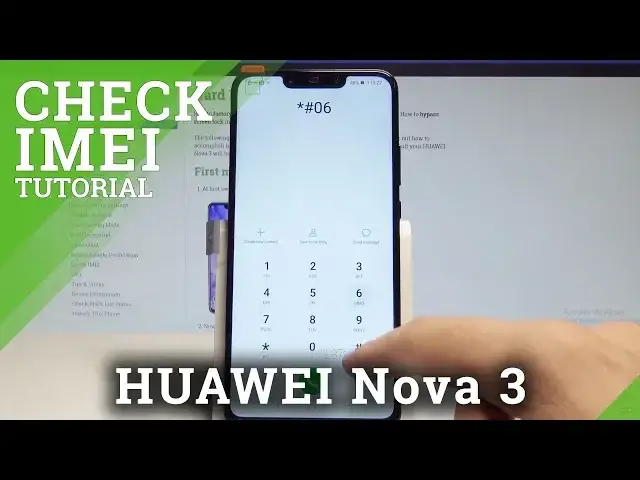
Here I have Huawei Nova 3 and let me show you how to check email and serial number on
0:13
the following device. So at the very beginning let's start by using the power key
0:18
Let's unlock the screen. Then let's open the phone's dialer and let me show you how to check email by using the
0:24
secret code. So let's use the following one. Asterix hash 06 hash
0:32
And as you can see the email number and also the serial number pops up in front of you
0:37
As you may notice this device has two email numbers because this is the dual sim card
0:43
Let me tap OK. And now let me show you the second way of checking email and serial number
0:48
Let's just use your home screen again. Now find and select the settings
0:54
Scroll down to the bottom of the list and choose system. Here you need to choose about phone
1:01
And as you may notice right here you can read the email number of your device right here
1:07
And you can also scroll down and choose status. And here you've got access also to your serial number and to other stuff such as the WiFi
1:16
MAC address, IP address and a lot of more. Alright so that's it
1:21
Now let's go back and you can start using your device in a normal way
1:25
Thank you for watching. Please subscribe our channel, leave thumbs up under the video