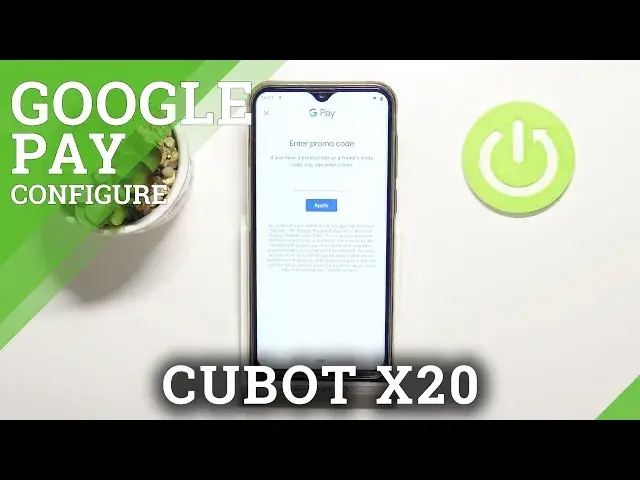

How to Add Different Cards in Cubot X20 - Add your Cards to Google Pay
Jul 8, 2024

Find out more about CUBOT X20: https://www.hardreset.info/devices/cubot/cubot-x20/
If you want to Add a Different Card to Cubot X20, but you are not sure how to, then look up! In today’s video we’ll show you how to Access Google Pay, following that, Enter your Card Data to it correctly and successfully. Then you’ll be able to Pay with both of your Cards using Google Pay feature, so just follow all steps presented above and find out how to properly Add a Different Card in your Cubot Device. Let’s get started!
How to Add Different Cards in Cubot X20? How to Add your Cards to Google Pay in Cubot X20? How to Set Up Different Cards in Cubot X20? How to Add Cards in Cubot X20? How to Add Cards to Google Pay in Cubot X20? How to Enter Different Cards in Cubot X20?
#CUBOTX20 #AddCardsGooglePay #AddDifferentCardsGooglePay
Follow us on Instagram ► https://www.instagram.com/hardreset.info
Like us on Facebook ► https://www.facebook.com/hardresetinfo/
Tweet us on Twitter ► https://twitter.com/HardResetI
Support us on TikTok ►https://tiktok.com/@hardreset.info
Use Reset Guides for many popular Apps ► https://www.hardreset.info/apps/apps/
Show More Show Less