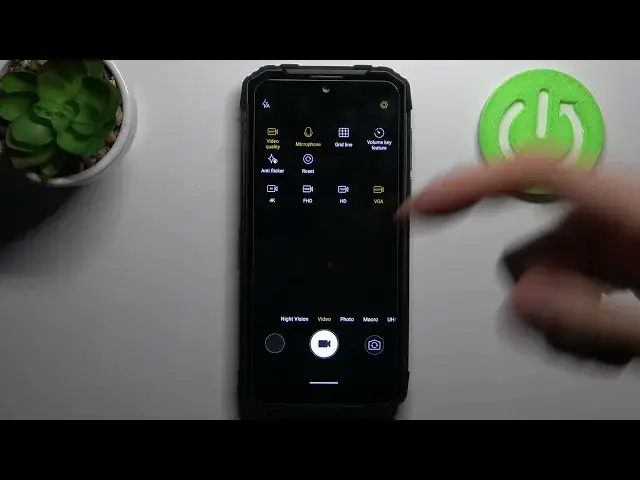

How to Use Camera Settings – Change Video Resolution on DOOGEE S96 Pro
Apr 14, 2024

Find out more about DOOGEE S96 Pro:
https://www.hardreset.info/devices/doogee/doogee-s96-pro/
Let's change the Video Resolution in the camera settings of your DOOGEE S96 Pro device. Yes, it's real - you can choose the video quality with ease simply by clicking on the switch opposite the needful value. Watch our video above and find out more information on this topic. Break the silence of the comments below by adding yours!
How to Change Video Resolution on DOOGEE S96 Pro? How to Change Video Quality on DOOGEE S96 Pro? How to set higher Video Resolution on DOOGEE S96 Pro? How to set higher Video Quality on DOOGEE S96 Pro? How to set better Video Resolution on DOOGEE S96 Pro?
#VideoResolution #CameraModes #DOOGEES96Pro
Follow us on Instagram ► https://www.instagram.com/hardreset.info
Like us on Facebook ► https://www.facebook.com/hardresetinfo/
Tweet us on Twitter ► https://twitter.com/HardResetI
Support us on TikTok ► https://www.tiktok.com/@hardreset.info
Use Reset Guides for many popular Apps ► https://www.hardreset.info/apps/apps/
Show More Show Less