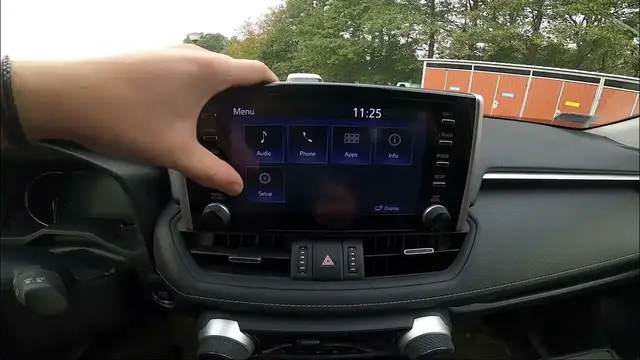

How to Manage Keyboard History in Toyota RAV 4 V ( 2018 - now )
Dec 4, 2023

Find out more info about Toyota RAV4 V ( 2018 – now ) : https://www.youtube.com/channel/UCZvHdPZzOdONixt5mRRolng
Discover how to efficiently manage your keyboard history in the Toyota RAV4 V, a feature available from 2018 to the present. Our step-by-step guide will walk you through the process, helping you streamline text input and improve your in-car connectivity experience.
Possible Questions:
What is the purpose of managing keyboard history in the Toyota RAV4 V, and how can it enhance the user experience?
Can you provide a detailed tutorial on how to access and manipulate keyboard history in the vehicle?
Are there any tips or best practices for effectively using and organizing keyboard history?
#ToyotaRAV4V #KeyboardHistory #CarTech #ToyotaTech #Connectivity #CarTechTips
Years of Production:
2018 – now
Generation:
V Generation - ( 2018 – now )
Series:
SUV (2018 - 2022)
SUV Plug-in (2021 - 2022)
SUV Plug-In Facelifting (2022 - now)
SUV Facelifting (2022 - now)
Follow us on Instagram ► https://www.instagram.com/hardreset.info
Like us on Facebook ► https://www.facebook.com/hardresetinfo/
Tweet us on Twitter ► https://twitter.com/HardResetI
Support us on TikTok ► https://www.tiktok.com/@hardreset.info
Use Reset Guides for many popular Apps ► https://www.hardreset.info/apps/apps/
Show More Show Less