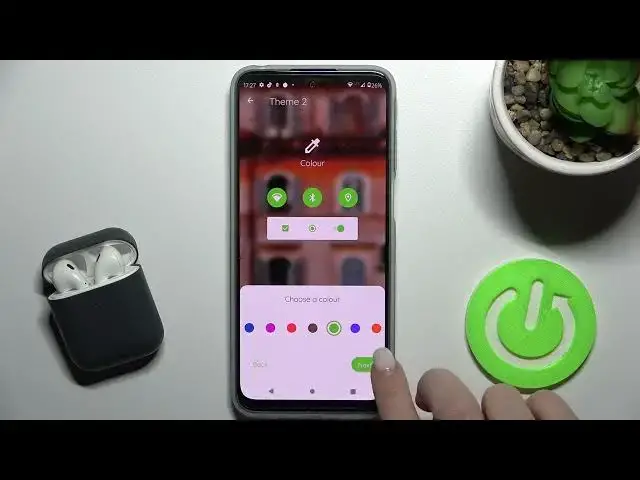

How to Install and Change App Icons Theme on MOTOROLA MOTO G31 - Install Different App Theme
Apr 8, 2024

To learn more tutorials about MOTOROLA MOTO G31:
https://www.hardreset.info/devices/motorola/motorola-moto-g31/tutorials/
Hi there! Are you looking for a way how to smoothly Change the Icon Style on MOTOROLA MOTO G31? Are you wondering how to Personalize the Icon look on MOTOROLA MOTO G31? Then you should check out our new video tutorial. In today's video, our specialist is going to demonstrate to you how to Select an Icon Style for MOTOROLA MOTO G31 that suits you best. Follow all the instructions step-by-step described by our expert and Personalize Icons on your MOTOROLA MOTO G31 successfully in just a couple of simple moves. If you find this video helpful, leave a like, leave a comment, and don't forget to subscribe to our Channel. If you have any questions, feel free to ask them in a comment, and we will be happy to answer them. To discover more video tutorials about your MOTOROLA MOTO G31, visit our YouTube Channel. Thank you for staying with us and watching our videos!
How to Change Phone Style on MOTOROLA MOTO G31?
How to Change App Icons on MOTOROLA MOTO G31?
How to Customize Icons on MOTOROLA MOTO G31?
How to Set Personalized Icons Design on MOTOROLA MOTO G31?
#MOTOROLAMOTOG31 #ChangeIconsShape #PickIconsStyle
Follow us on Instagram ► https://www.instagram.com/hardreset.info
Like us on Facebook ► https://www.facebook.com/hardresetinfo/
Tweet us on Twitter ► https://twitter.com/HardResetI
Support us on TikTok ► https://www.tiktok.com/@hardreset.info
Use Reset Guides for many popular Apps ► https://www.hardreset.info/apps/apps/
Show More Show Less #Online Goodies
#Skins, Themes & Wallpapers