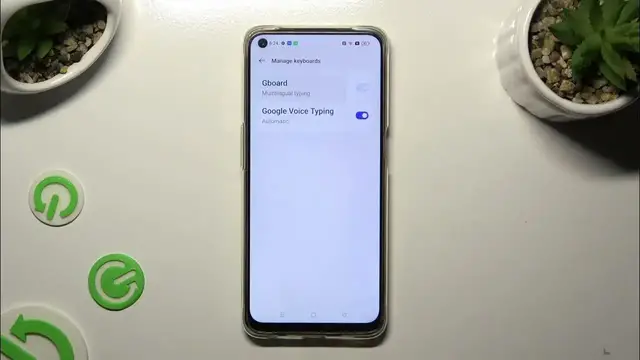

How To Enter Text Correction Options In OPPO F19
Dec 8, 2023

Find out more about Oppo F19 : https://www.hardreset.info/devices/oppo/oppo-f19/tutorials/
Perfect your text input experience on the OPPO F19 by learning how to access text correction options. This comprehensive guide walks you through the steps to customize and refine your text corrections, ensuring accurate and efficient communication. Whether you want to adjust autocorrect settings, manage personal dictionary entries, or explore additional text correction features, this tutorial covers the intuitive process of entering text correction options on your OPPO F19. Watch, learn, and enjoy a seamless and personalized typing experience on your device!
How do I enter text correction options on OPPO F19?
What customization options are available for text correction on this device?
Can I adjust autocorrect settings for different types of text input?
Is there a default text correction setting, and how can I revert to it if needed?
How do I manage and edit personal dictionary entries on OPPO F19?
Are there additional settings, such as gesture typing or predictive text, to explore?
#OppoF19 #Oppo #oppophone
Follow us on Instagram ► https://www.instagram.com/hardreset.info
Like us on Facebook ► https://www.facebook.com/hardresetinfo/
Tweet us on Twitter ► https://twitter.com/HardResetI
Support us on TikTok ► https://www.tiktok.com/@hardreset.info
Use Reset Guides for many popular Apps ► https://www.hardreset.info/apps/apps/
Show More Show Less