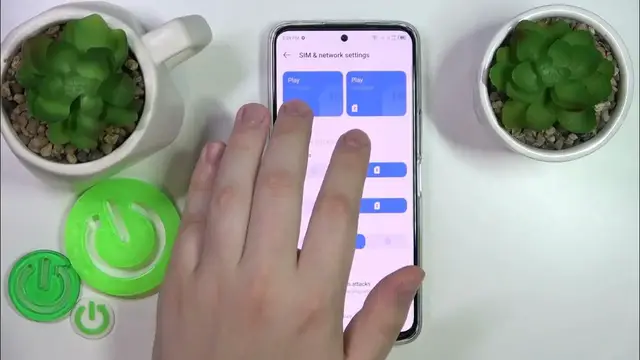

How to Check Phone Number on Tecno Camon 18 Premier?
Dec 6, 2023

Check more info about Tecno Camon 18 Premier:
https://www.hardreset.info/devices/tecno/tecno-camon-18-premier/tutorials/
Hi Everyone! To check your phone number on Tecno Camon 18 Premier, you have two simple methods. The first method involves opening the "Phone" app, dialing the USSD code "*#100#", and then pressing the call button. This will display a popup or a message on the screen showing your phone number. Alternatively, you can access the phone's settings by tapping on the "Settings" icon in the app drawer or the notification panel. From there, select the "About Phone" or "About Device" option and scroll down to find your phone number listed under "Phone number" or "SIM status" in the "About Phone" section. Using either of these methods, you can easily check your phone number on your Tecno Camon 18 Premier without any hassle. For more useful tutorials on how to get the most out of your Tecno Camon 18 Premier, check out our HardReset.info YT channel.
How to Check Number on Tecno Camon 18 Premier?
How to Find Phone Number on Tecno Camon 18 Premier?
How to Check Device Number on Tecno Camon 18 Premier?
#DeviceNumber #CheckPhoneNumber #tecnocamon18premier
You can also check our other YouTube channels:
https://www.youtube.com/c/HardresetInfo
Follow us on Instagram ► https://www.instagram.com/hardreset.info
Like us on Facebook ► https://www.facebook.com/hardresetinfo/
Tweet us on Twitter ► https://twitter.com/HardResetI
Support us on TikTok ► https://www.tiktok.com/@hardreset.info
Use Reset Guides for many popular Apps ► https://www.hardreset.info/apps/apps/
Show More Show Less