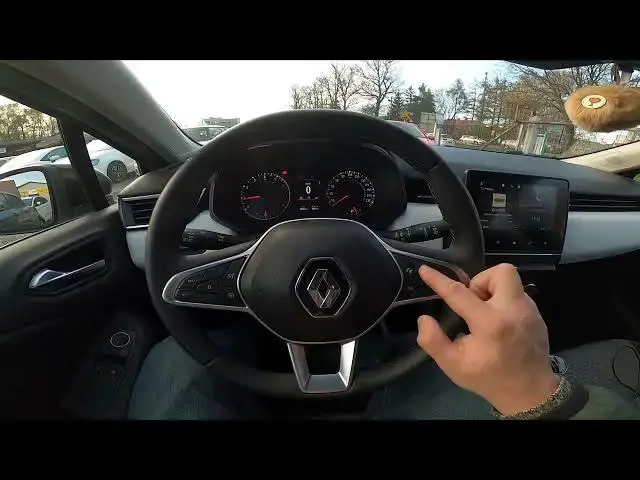

How to Reset Trip A and B Data in Renault Clio V ( 2019 - now ) - Clear Driving Info
Aug 14, 2024

Find out more info about Renault Clio V ( 2019 - now ) : https://www.youtube.com/channel/UCZvHdPZzOdONixt5mRRolng
Would You like to know how to Reset Trip B data in Renault Clio V? This car has a function that collects data in two sections called Trip A, and Trip B. In those sections, You'll find info about the fuel consumption, distance, and range. Follow the video above to learn how to Reset Trip B data in Renault Clio V!
How to Reset Trip A data? How to Clear Trip B data? How to Remove Trip Data?
#ResetTripBinfo #ResetTripAinfo #ClearTripAinfo #ClearTripBinfo #RemoveTripAinfo
Years of Production:
2019 - now
Generation:
V Gen - ( 2019 – now )
Series:
Hatchback 5d (2019 - 2023)
Hatchback 5d Hybrid (2020 - 2023)
Hatchback 5d Hybrid Facelifting (2023 - teraz)
Hatchback 5d Facelifting (2023 - teraz)
Follow us on Instagram ► https://www.instagram.com/hardreset.info
Like us on Facebook ► https://www.facebook.com/hardresetinfo/
Tweet us on Twitter ► https://twitter.com/HardResetI
Support us on TikTok ► https://www.tiktok.com/@hardreset.info
Use Reset Guides for many popular Apps ► https://www.hardreset.info/apps/apps/
Show More Show Less