0:00
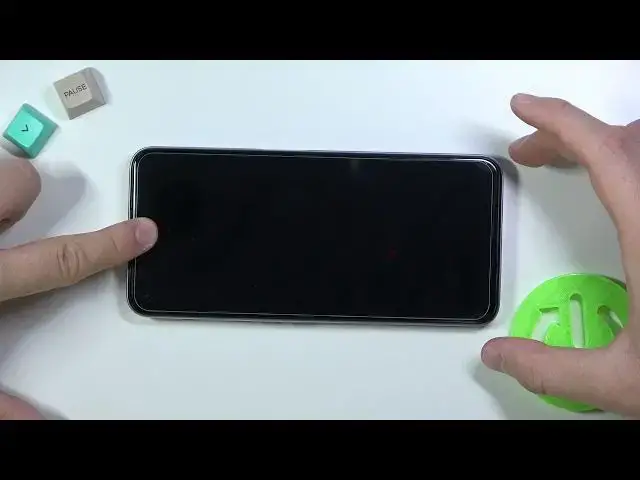
Welcome, in front of me I have Realme 8i from the European distribution and I will show
0:12
you how to install tempered glass on the display in this smartphone
0:16
So at the first when you take a look on the screen you can find here the default foil
0:21
You can remove this foil or you can stay with it. You can decide I'm going to improve protection of my display and I'm going to apply tempered
0:29
glass on this foil. And we have to get two things. The good lighting condition as you can see
0:37
We can spot a lot of fingerprints and greasy marks on the screen
0:41
And also quiet place that no one will distract us. So right now let's put the phone right here
0:51
Open box with our tempered glass where we can find two wipes, wet and dry and also our glass
0:59
At the first we are going to use the wet wipe
1:09
Right now you have to move, you have to make moves in the circle like that
1:15
You have to remember to reach a very corner and edge. And as you can see after these few moves we easily get rid of all of these fingerprints
1:28
from our screen. So right now we have to remove these wet marks from the screen and to make it we have to
1:47
So just do the same. Okay and right now our screen looks really good and we have to grab the tempered glass
2:00
So we have to remove this sticker. This one. Grab like that and there we go
2:07
It follows with the foil that is attached under the glass. So put that foil back
2:16
And right now we have to be sure that there is no any piece of the dust on the screen
2:21
In my case everything is fine so I can start with applying glass
2:24
We have to keep holding the bottom part like that and put the glass
2:31
Start applying glass from upper section of the screen. We have to remember that we have to put the glass evenly on the both edges
2:44
Keep holding the bottom part still. Okay and right now it's fine in my case
2:56
So I put it correctly so right now I have to press with one finger here and then I have
3:01
to put the bottom part. Just like that. And take a look
3:06
It goes automatically. We can press with our fingers to remove the rest of the air
3:26
And we can also remove all of these marks that you can see right here by pressing with
3:31
our fingernail or with our wipe. Take a look. When you press it will disappear as you can see
3:40
So we have to make it for the whole screen. So let me just do this right now
3:54
Okay so as you can see we easily get rid of all of these marks. Few of them are still here like for example here but they will disappear after few days
4:02
And right now we can turn on our screen. Let me just turn on the phone
4:10
And you will see that there is no any problem with the touch interaction so honestly you don't have to be afraid of applying glass on your phone
4:18
And this model. Let me just zoom out a little bit
4:30
You can also put here the glass. And there it is. As you can see we finally turn on our device and there is no any problem with the touch
4:38
interaction so that's how we can apply temporary glass on Realme 8i
4:44
If you find this video helpful remember to leave a like, comment and subscribe