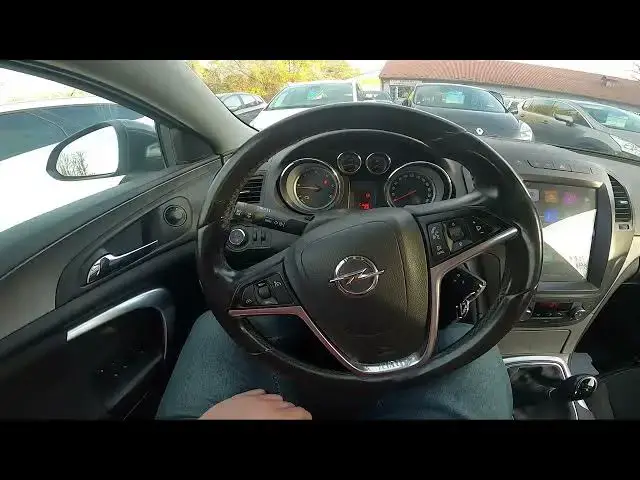

How to Lock and Unlock Side Windows in Opel Insignia I ( 2008 – 2017 ) | Child Lock
Aug 14, 2024

Find out more info about Opel Insignia I ( 2008 – 2017 ) : https://www.youtube.com/channel/UCZvHdPZzOdONixt5mRRolng
Did You know that in Your Opel Insignia I, You can automatically Lock and Unlock all Side Windows just by using one button? Nowadays it's standard in cars, but sometimes it can be hard to find a button responsible for this function, especially if You've just bought the car. Follow the video we've provided above to learn how to Automatically Lock or Unlock All Side Windows in the Opel Insignia I!
How to Lock Windows? How to Unlock Windows? How can I Lock Side Windows? How can I Unlock Side Windows?
#AutomaticallyLockWindows #AutomaticallyUnlockWindows #managesidewindows
Years of Production:
2008, 2009, 2010, 2011, 2012, 2013, 2014, 2015, 2016, 2017
Generation:
I Gen - ( 2008 – 2017 )
Series:
Hatchback (2008 - 2013)
Sedan (2008 - 2013)
Sports Tourer (2009 - 2013)
Sedan OPC (2009 - 2013)
Hatchback OPC (2009 - 2013)
Sports Tourer OPC (2009 - 2013)
Country Tourer (2013 - 2016)
Sedan Facelifting (2013 - 2017)
Sports Tourer OPC Facelifting (2013 - 2016)
Sedan Facelifting (2013 - 2017)
Sedan OPC Facelifting (2013 - 2016)
Follow us on Instagram ► https://www.instagram.com/hardreset.info
Like us on Facebook ► https://www.facebook.com/hardresetinfo/
Tweet us on Twitter ► https://twitter.com/HardResetI
Support us on TikTok ► https://www.tiktok.com/@hardreset.info
Use Reset Guides for many popular Apps ► https://www.hardreset.info/apps/apps/
Show More Show Less