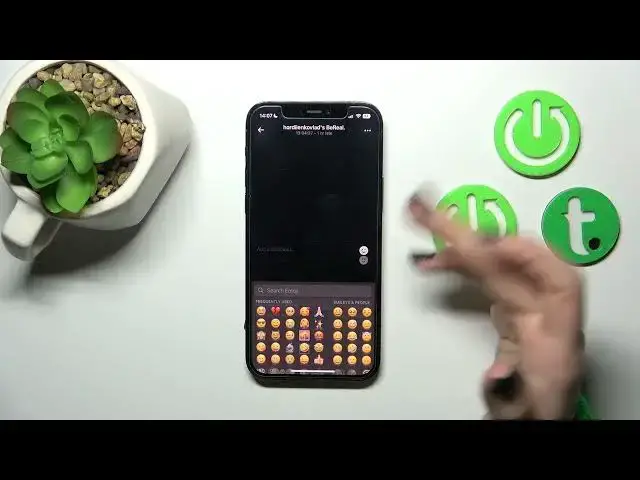

How to Add and See Comments on BeReal – See All Comments under BeReal Post
Jul 26, 2024

Check more info about BeReal App on:
https://www.youtube.com/c/HardresetInfo/
Hi Everyone! To add and see comments on BeReal, follow these steps above. First, open the BeReal app on your device and browse through your feed to find the post you want to comment on. Tap on the post to open it. Tap on the "Add a comment" field. Type your comment in the field and tap on "Post" to share your comment. Your comment will be displayed below the post, along with any other comments. To see comments on BeReal, simply tap on a post and scroll down to view the comments section. You can also like or reply to comments, and see who has liked a comment by tapping on the "Likes" section For more information visit our Hardeset.info YT channel and discover many useful tutorials.
What are the Steps to Leave a Comment on BeReal?
How to View Comments on a BeReal post?
How to Add my Thoughts to a BeReal post?
What is the Process for Seeing Comments on BeReal?
#AddComment #BerealApp #Bereal
Follow us on Instagram ► https://www.instagram.com/hardreset.info
Like us on Facebook ► https://www.facebook.com/hardresetinfo/
Tweet us on Twitter ► https://twitter.com/HardResetI
Support us on TikTok ► https://www.tiktok.com/@hardreset.info
Use Reset Guides for many popular Apps ► https://www.hardreset.info/apps/apps/
Show More Show Less