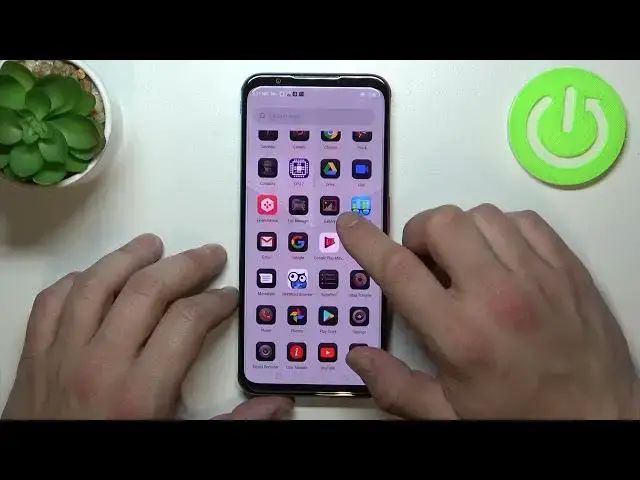

How to enable App Drawer on Nubia Red Magic 5S / Disable App Drawer on Nubia Red Magic 5S
Jul 1, 2024

Learn more: https://www.hardreset.info/devices/nubia/nubia-red-magic-5s/
You can open the App Drawer on your Nubia Red Magic 5S by swiping up from the bottom of the home screen, but if you can't do that, then you need to activate this feature. Or if the Application Drawer is already activated on your Nubia Red Magic 5S and you want to disable it, then don't worry, we will also help you deal with this issue in this video tutorial.
How to enable app drawer on Nubia Red Magic 5S? How to disable app drawer on Nubia Red Magic 5S? How to show app drawer on Nubia Red Magic 5S? How to hide app drawer on Nubia Red Magic 5S? How to change the home screen layout on Nubia Red Magic 5S?
#NubiaRedMagic5S #AppDrawer #Application
Follow us on Instagram ► https://www.instagram.com/hardreset.info
Like us on Facebook ► https://www.facebook.com/hardresetinfo/
Tweet us on Twitter ► https://twitter.com/HardResetI
Support us on TikTok ► https://www.tiktok.com/@hardreset.info
Use Reset Guides for many popular Apps ► https://www.hardreset.info/apps/apps
Show More Show Less