0:00
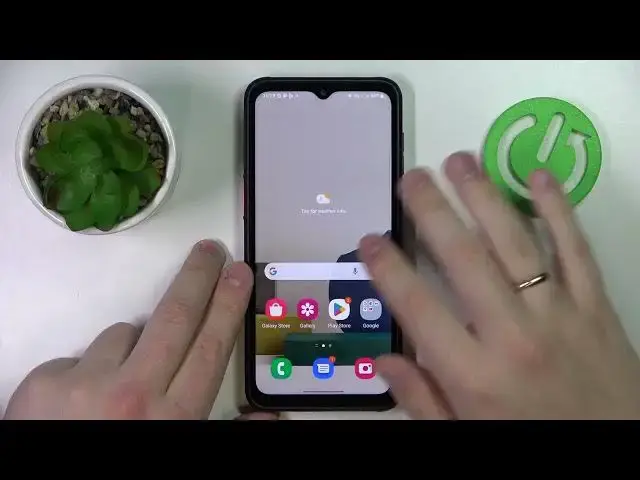
Hello everybody, today in front of me I have the Samsung Galaxy XCover 6 Pro and in this
0:07
video we would like to demonstrate how you can bypass the parental control option on
0:11
this device. So first of all it is worth mentioning that for the method that is going to be shown today
0:23
you have to know the password to the Google account that is used for the parental control
0:28
on the, not on the parent's side but on your side as a child
0:32
So launch settings, then enter the Google category over here, then go for the, I mean
0:42
let me first of all show you that the parental controls are enabled
0:48
So go for the manage your account button over here, then open the data and privacy section
0:57
scroll the page all the way down. The delete your account, delete your Google account option is what we are interested in currently
1:04
Prior to going any further I need to mention that you do not have to worry, you do not
1:09
have to be scared to remove or delete your Google account since right after we will deal
1:15
with parental controls and switch them off we will recover, restore the account so no worries
1:21
Tap on the delete your account option once again, confirm the action by entering the
1:28
password, as I've already mentioned at the start, if you do not know the password to
1:32
the child's account this method will not work. Once you have confirmed the credentials scroll the page down, check this little boxes, tap
1:41
on the delete account option or button. Since we see something went wrong message that means that the account deletion process
1:50
has been successfully executed. So now if we will go to the settings, enter Google category, we'll see that not only
1:59
well no accounts are linked to the system but also the parental controls are switched off
2:05
Now all that is left to do is to recover our Google account so open up the Google Play
2:10
sign in with the account that we have just recently deleted. We'll get this little message over here saying that we can easily recover the account, just
2:22
simply enter the password
2:31
And once you do the account is successfully restored. So now we'll accept all the terms, services, whatever
2:39
Now as you can see the account is right over here and if we will go to the settings it
2:44
will be also displayed that we have re-added the same account to the system or re-linked
2:54
it should I say. Alrighty so that would be it for this video, thanks for watching and bye bye