0:00
Hello guys and welcome to the channel
0:01
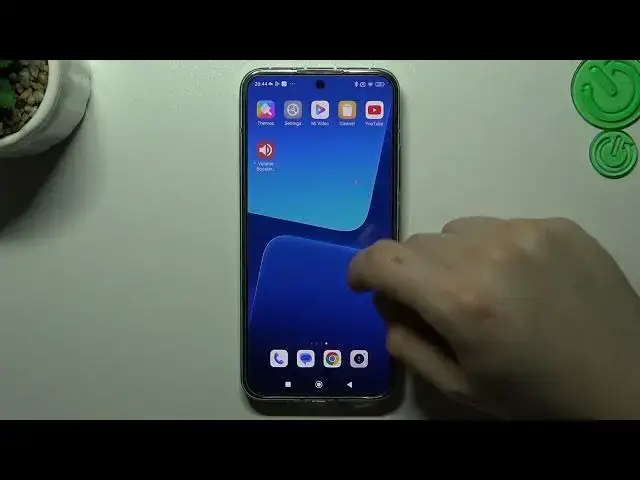
Today I'm going to show you two methods how you can remove a notification software like
0:05
Tabula Oz or other like that virus from your Xiaomi 13
0:14
So at the start if you see something like that in your web browser or maybe something
0:19
like that in your notification bar that means you have a notification software and you can
0:24
try to remove it by two ways. So the first one is by the settings so we have to open the settings of course
0:33
Then go to the apps and choose the manage apps. Now check all of the apps in this list to check that you have any unwanted apps, the
0:45
apps that you have not installed before by yourself or just something strange
0:50
If you see something like that just tap on it and click on install
0:54
Click OK and that's it. After that go back to the app list and look for your web browser
1:02
In the web browser just go to the data usage, sorry go to the storage and tap on the clear data
1:11
Choose manage space and tap on clear all data. Now tap OK and your web browser should be free from the notification virus
1:19
But if that way doesn't work for you you can also try to download an antivirus app
1:23
I'm always using the Avast, you can also try to download any other app
1:28
So tap on the get started, next and skip. Now close the app and close the app again
1:37
Tap continuous free and choose the start scan. Now we have to grant a permission and go back to the app
1:45
Now choose the scan time, I recommend you to use the deep scan
1:50
OK and now after the scanning process all of the unwanted software viruses will be deleted
1:58
And that's it. Thanks for the watching, leave us a subscribe, a comment and goodbye