Up next in 10


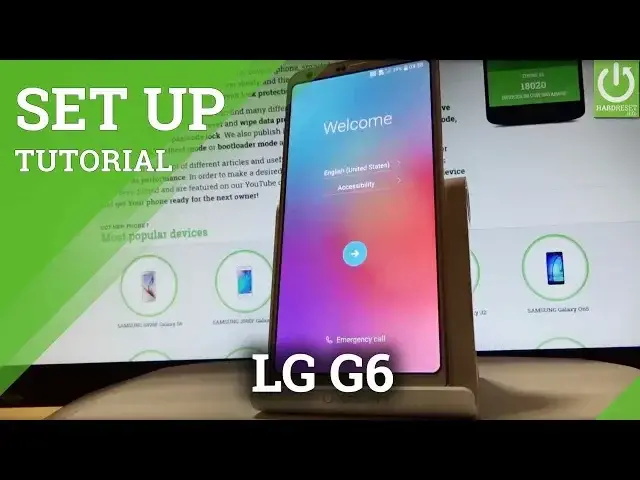
How to activate LG G6 H870? How to set up LG G6 H870? How to go through the setup initialization process in LG G6 H870?
This is the beginners guide that shows you the set by step instructions for Android activation. During this procedure you can connect your device to Wi-Fi, add Google Account, set screen lock etc.
More Info:
http://www.hardreset.info/devices/lg/lg-g6-h870/
Show More Show Less View Video Transcript
0:00
Here I have LG G6 and let me show you how to setup this device, so how to go through
0:09
the initializing setup process on the following phone. As you can see let's start from the welcome panel
0:15
You can select here your desired language. Here you have the full list of languages that you can use on this phone
0:21
In my case let me choose English for instance from United States. Excellent
0:25
You may also choose emergency call if you wish to make some emergency calls
0:30
If not let's go back by using that arrow. And if you are ready let's go by using next key right here in the middle
0:37
You can insert sim card but you can also skip this point and activate your device without
0:42
the sim card. So let me do it that way. Let's tap skip
0:47
Now you can connect your device to one of the WiFi. So it's not necessary you can bypass this step by tapping next right here
0:57
But I usually recommend this step so you can do more with your internet connection
1:02
So as you can see device is looking for some available WiFi's
1:07
And now let's choose your desired one. If you have a password let's type in your password
1:29
The device is connected to my WiFi so let's tap next. And here you have two options
1:37
You can keep your apps and data by restoring them from your backup or a copy from a device
1:44
Or you can setup your phone as a new so you can have a fresh start
1:48
So let me do it that way. Let's have a fresh start
1:56
The device is checking network and looking for any updates. Let's wait a few seconds
2:06
And at this point of the initializing setup process you can add a Google account to your device
2:11
You can skip this point by using that key in the right down corner of the phone
2:16
You can create a new Google account or you can use your existing one by inputting your
2:21
email or a password. So let's do it that way. Let's input the email
2:36
Tap next. Let's enter a password so let me do it
2:51
Tap next and if everything is correct you have to accept terms of services and privacy policy
2:58
Let's do it. Tap accept. The device is checking info one more time and now you can change some settings and features
3:06
from Google services. For example you can enable or disable automatically backup device data
3:12
You can use Google's location services to help apps that reminds your location
3:16
You can improve the location accuracy or you can also help improve your Android experience
3:23
by using the automatically sending diagnostics. Let me leave all of these features enabled and tap next
3:38
Here you have the settings of date and time. Let me leave these settings as simple as that and choose next
3:46
And at this point of the activated process you can add a fingerprint
3:52
So if you would like to add a fingerprint let's tap setup fingerprint
3:56
If not let's choose no thanks. Let me do it that way and tap next
4:00
Let's skip fingerprinting. Skip anyway. Here you have some legal stuff, the documents and the regulations that you have to agree
4:12
with so let's tap agree a couple of times. And tap done
4:20
That's it. You have activated your LG G6. Now you can use your phone
4:24
Thank you for watching. Please subscribe our channel and leave thumbs up under the video
Computer Hardware
Consumer Electronics
Software
Mobile & Wireless
Mobile Apps & Add-Ons
Mobile Phones
Science