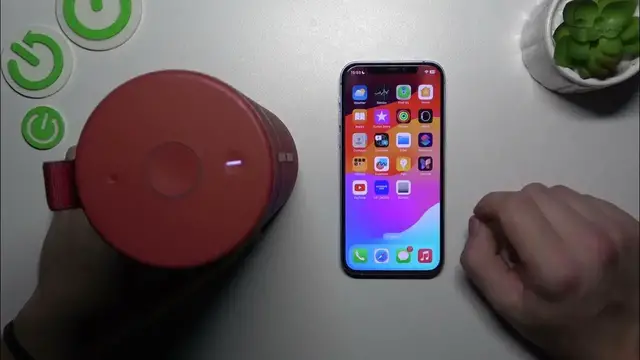

How to Check Your Ultimate Ears MegaBoom 3 Battery Level
Jan 17, 2024

Find out more: https://www.hardreset.info/devices/
Stay powered up with our latest video on how to check the battery level of your Ultimate Ears MegaBoom 3. This guide is crucial for anyone looking to make the most of their speaker without the worry of running out of juice. We delve into the different methods of monitoring the battery life of your MegaBoom 3, ensuring you're always ready for hours of high-quality audio. Learn the simple cues and features that the MegaBoom 3 offers for battery monitoring, from visual indicators to app-based checks. Ideal for users who are constantly on the move, party planners, or anyone who values uninterrupted music, this video helps you keep track of your speaker's battery life with ease. Join us in mastering this essential aspect of your MegaBoom 3, and ensure your music keeps playing as long as you need it. Don't forget to hit like, subscribe, and turn on notifications for more practical tech guides!
#MegaBoom3Battery
#TechTips
#StayPowered
Questions for the Video:
How to visually check the battery level on the MegaBoom 3?
How to use the MegaBoom app to monitor your speaker’s battery life?
How to interpret the battery level indicators on the MegaBoom 3?
How to estimate remaining playtime based on the MegaBoom 3's battery level?
How to optimize your MegaBoom 3's battery usage for longer playtime?
Follow us on Instagram ► https://www.instagram.com/hardreset.info
Like us on Facebook ► https://www.facebook.com/hardresetinfo/
Tweet us on Twitter ► https://twitter.com/HardResetI
Support us on TikTok ► https://www.tiktok.com/@hardreset.info
Use Reset Guides for many popular Apps ► https://www.hardreset.info/apps/apps/
Show More Show Less