0:00
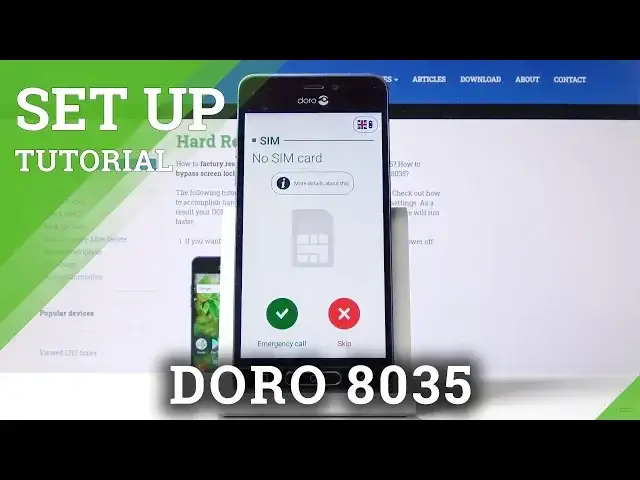
Here I've got the row 8035 and let me show you how to set up the following device
0:09
So at first you have to select the language. Here in the right upper corner you have the possibility to change it and just pick the
0:15
one that you would like to have your device in and I will stay with English UK so let
0:20
me go back and then tap on skip because you can enter a SIM card later
0:26
Now decide if it's your first time with a smartphone. I don't think so so let me select the red icon
0:36
Now click here to go through all the informations. Then select the mode that you would like to have
0:45
I will pick this one. Click on OK. And now you can set up internet access or accessibility permits but I will skip it for now
0:57
And here you've got the terms so just come along with them and if you agree with all
1:01
the conditions click on yes accept and then tap on OK to confirm
1:13
And now you can enter your name so the device name would be yours
1:20
I will enter hard reset. You can obviously enter here whatever you want to and then tap on next
1:28
And now come along with all Google services so you can switch them on and off. It's up to you whichever you would like to have
1:33
Just apply them and then click on I agree to confirm your selection
1:42
And here you can also add some other email account or anything but you can also do it
1:48
later so I will click on all set. And as you can see this is it
1:54
Now you can use your device in a normal way. You can change wallpaper, add some contacts or do whatever you want with this phone. Enjoy
2:00
Thank you for watching. Please subscribe to our channel and leave the thumbs up