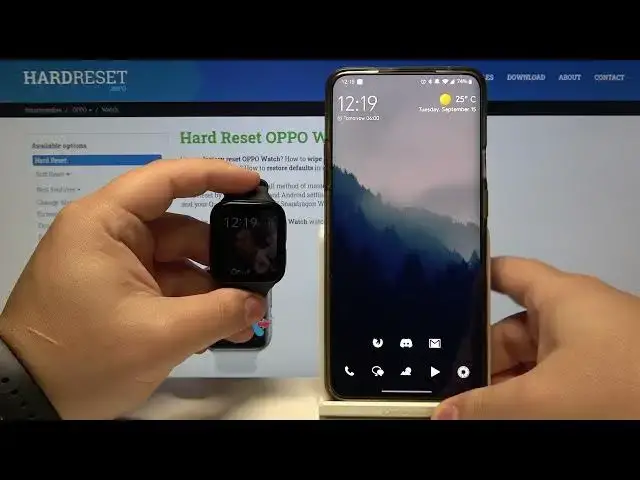

How to Edit Files in OPPO Watch 41 mm– Assign Apps
Jul 9, 2024

Check out more info about OPPO Watch: https://www.hardreset.info/devices/oppo/oppo-watch/
Wondering how to easily edit tiles in OPPO Watch? Do you wonder to personalize OPPO Watch? In the presented tutorial, we teach you how to edit tiles in OPPO Watch. If you want to learn how to customize watch faces in your Oppo smartwatch, check out the uploaded video guide and check out how to personalize OPPO Watch by changing tiles. Let’s use the attached instructions and add the most wanted tiles and erase the tiles that are unneeded. Let’s follow the presented instructions and personalize OPPO Watch to your needs and preferences. Visit our HardReset.info YT channel and get more useful tutorials for OPPO Watch.
How to customize OPPO Watch? How to customize OPPO Watch watch faces? How to edit tiles in OPPO Watch? How to personalize OPPO Watch? How to add more tiles in OPPO Watch? How to switch tiles in OPPO Watch? How to delete tiles in OPPO Watch?
#EditTiles #AssignApps #OppoWatch
Follow us on Instagram ► https://www.instagram.com/hardreset.info
Like us on Facebook ► https://www.facebook.com/hardresetinfo/
Tweet us on Twitter ► https://twitter.com/HardResetI
Support us on TikTok ► https://www.tiktok.com/@hardreset.info
Use Reset Guides for many popular Apps ► https://www.hardreset.info/apps/apps/
Show More Show Less