Up next in 10


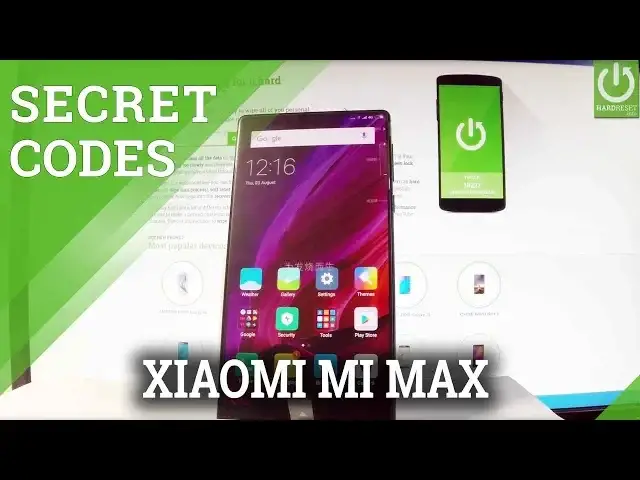
How to use secret codes in XIAOMI Mi Mix? Which secrert codes works on XIAOMI Mi Mix? How to open hidden menu in XIAOMI Mi Mix?
Open the phone's dialer in order to start inputting the secret codes. Watch our vide in order to open testing menu, calendar info, Debug UI, Google Play Service Mode and IMEI Mode.
More Info:
http://www.hardreset.info/devices/xiaomi/xiaomi-mi-mix/
Show More Show Less View Video Transcript
0:00
Here I have Xiaomi Mi Mix and let me show you how to use secret codes on the following device
0:10
So at the very beginning let me start by using a phone icon to open the phone's dialer and
0:15
here you can input all secret codes that you know. Let's start by using a testing menu so let's input star hash, star hash, 4636, hash star
0:26
hash star. As you can see testing menu just pops up, here you can choose the phone information
0:31
for example when you can read all specifications about your device such as email number, phone
0:35
number and current network. Let's go back, you may choose the battery info when you have all important information
0:41
about your battery such as battery temperature, battery technology, battery health. Let's go back, you may also choose usage statistics and here you have statistics about your apps
0:52
this is the list of applications and you can read such things as usage time and last time used
0:57
Let me go back and you can choose also the wifi information
1:01
When you have wifi happy here you can disable network, disconnect network, enable network
1:07
get configured network or get connection info. You may also choose wifi config when you have all configured networks, in my case it's none
1:15
right away and you have also wifi status. When you have all statistics about your wifi you can refresh all stats or run a ping test
1:24
Let me go back a couple of times just to close the testing menu and now let me show you how
1:30
to open the hardware test mode. So we have to input star hash, star hash, 64, 663, hash star, hash star and the hardware
1:48
test just pops up. You can for example choose vibration and choose for example short vibration, long vibration
1:57
and choose either pass or fail. You may choose the call test for example, the front microphone speaker, some speaker
2:11
feedback test and other stuff. As you can see here we've got the results, you may for example check version info, right
2:20
here, here we've got the serial number, email number, build number, some signature and other stuff
2:26
You may also test the display, the light sensor, headphone buttons, wifi and other stuff
2:31
Let's go back by using your back arrow and now let me show you how to open the calendar info
2:37
Let's use star hash, star hash, 225, hash star, hash star and the calendar info and
2:45
calendar details just pops up. Let's go back by using your back arrow
2:49
You may also check the google play services mode, so let's use star hash, star hash, 426
2:59
hash star, hash star. As you can see google play services just pops up, here you can choose ping, connect, disconnect
3:06
or events. Let's go back and let me open debug UI, so let's use star hash, star hash, 759, hash
3:15
star, hash star. As you can see debug UI just pops up, you can here for example choose view client's
3:22
ID's and read specifications and you can choose OEM mode. Let's go back
3:30
You may also choose and open the email mode, let's use star hash, 06, hash and the email
3:38
mode just pops up. Let's tap ok to close it. Excellent. That's it
3:44
Thank you for watching. Please subscribe our channel and leave thumbs up under the video
Consumer Electronics
Mobile Phones
Other