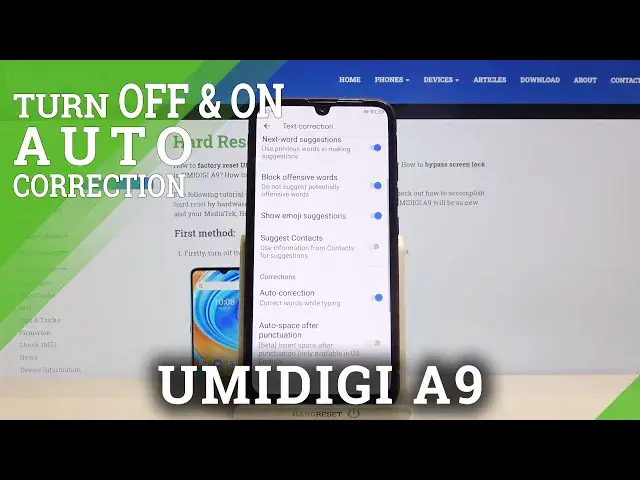

Use Text Auto-Correction - UMIDIGI A9 & Keyboard Additional Feature
Jul 15, 2024

Learn more info about UMIDIGI A9: https://www.hardreset.info/devices/umidigi/umidigi-a9/
Let's talk today about one of the most useful options on your device, which's called Auto-Correction Text. This feature affects the speed of your writing and helps you quickly check and words with mistakes and typos. Discover our video, in which we show you in detail the process of managing this Auto-Correction Keyboard Option. Don't forget to help others learn more about their own phones by sharing the link to our channel!
How to Activate Auto-Correction in UMIDIGI A9? How to Use Auto-Correction Text Option on UMIDIGI A9? How to Turn on Text Autocorrect in UMIDIGI A9? How to Turn off Text Autocorrect in UMIDIGI A9? How to Open Text Correction Options in UMIDIGI A9? How to Enable Keyboard Autocorrection Option on UMIDIGI A9? How to Find Text Correction Options in UMIDIGI A9? How to Check typos in the text on UMIDIGI A9? How to Correct Text Automatically on UMIDIGI A9?
Follow us on Instagram ► https://www.instagram.com/hardreset.info/
Like us on Facebook ► https://www.facebook.com/hardresetinfo/
Tweet us on Twitter ► https://twitter.com/HardresetI/
Show More Show Less