0:00
Welcome, in front of me I have Xiaomi Mi 11 and today we are going to check all modes
0:12
and all features that you can find on the camera on the smartphone. So let's open our camera and as you can see at the start we got the photo mode, we got
0:20
the video mode, here we got also the portrait mode and when you go for the more, here we
0:26
can find a couple of the interesting options. Here we got the night mode, 108 megapixel mode, the short video, panorama, we can scan
0:34
our documents, we can also make vlogs, we can make the slow motion video, there's the
0:42
standard, the time lapse the same, here we got the movie effects, so just take a look
0:48
how it looks. So it's basically like something like the pro mode on the video, so we can pick what
0:55
you want to get. Let's go back, what we got here more, we got the long exposure, supermoon, the dual video
1:04
you can also change the settings, here you can change the icons of it, when you tap at
1:12
it here you know you can change the modes. So in the start screen you got the pro mode, video, photo, portrait, but you can change
1:19
it if you want to get the 108 megapixels, you can make it like that, when you want to
1:23
get the faster access to the slow motion you can make it also, click here and when
1:28
you go back, just take a look, here you can get it
1:35
So here we got also the pro mode and what we can change in the pro mode in the smartphone
1:39
we got the white balance, we got the focus, shutter speed, ISO, EV and we can also change
1:45
the lenses. If you don't know what is going on here you can simply tap on the information icon in
1:51
the left upper corner and here we got the description of every feature that you have on the smartphone, so it's very useful
1:59
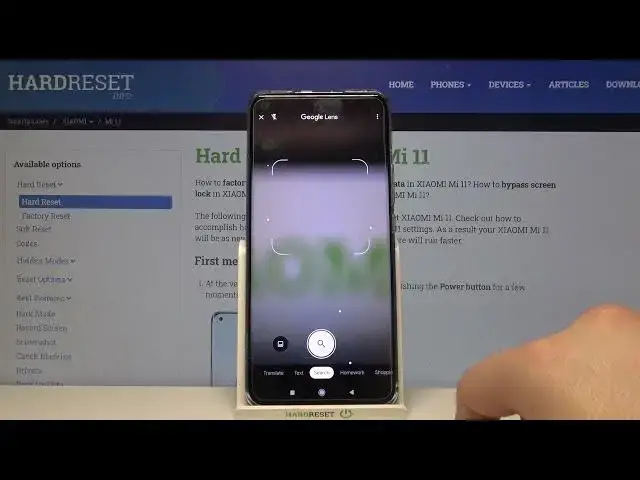
And when you go for the settings, of course I just forgot about the Google Lens, that
2:05
is also here. Here we got also the AI, HDR, auto and here we got also the filters, we can change the
2:21
shape of our face with these filters, here we got the flashlight and in the settings
2:27
we can find also couple of the options like the show grid lines, we can take the super
2:32
macro photos, we can use the movie frame, we can also go simply for the settings where
2:37
we can get the watermarks to our photos. Here we got correct disorientations, auto night mode, picture quality, the volume buttons
2:48
functions we can change, so there is the shutter, shutter cut down zone, volume, here
2:53
we got the focus on the shot, record video, bar shot focus, we can also customize other
3:00
things like shutter sound, there we got the colors, let's pick maybe this one and apply
3:11
there we got the camera modes, so we can switch like more tab or we can go for the more panel
3:17
feature layout, so there is the thing that I show you and when you go back as you can
3:26
see there we change the color of it, so basically that's how it looks and there is basically
3:31
every mode and every feature that you can find in the Mi 11 and that's it
3:36
So if you find this video helpful, remember to leave a like, comment and subscribe to