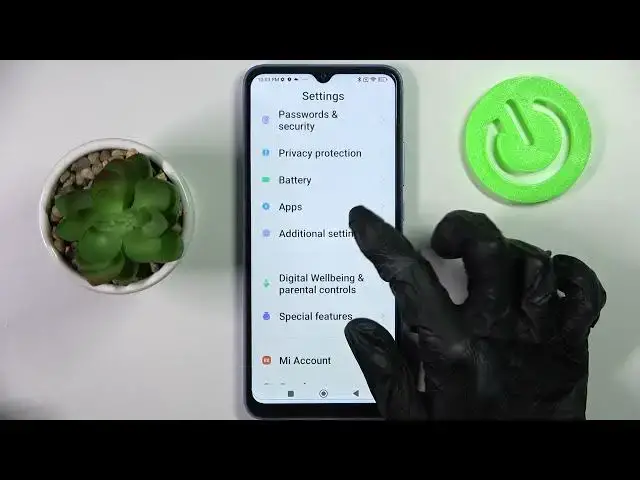

How to Enter Text Correction Options on XIAOMI Redmi 10C?
Apr 3, 2024

Check out more information about XIAOMI Redmi 10C: https://www.hardreset.info/
Hi there! We're glad to see you on our channel! Today we're going to share with you how to Enter Text Correction Option on XIAOMI Redmi 10C. Firstly, activate your XIAOMI Redmi 10C then, go the Settings and scroll down. Find the General Management and Click there. By the Next step just Tap on Samsung Keyboard Settings and finally you can see some Text Correction Options. If you want to see all of Text Correction Options, just Tap on More Typing Options, to Turn or Off one of them just Tap on the switcher and Manage it. To Disable the options just Tap one more time on the switcher. It’s Done! Thank you for watching! If you need to find more information visit our HardReset.info YT channel and discover many useful tutorials for XIAOMI Redmi 10C.
How to Activate Text Correction on XIAOMI Redmi 10C?
How to Turn on Text Correct on XIAOMI Redmi 10C?
How to Enable Text Correction on Samsung XIAOMI Redmi 10C?
#TextCorrection #TextCorrectionOption #KeyboardOptions
Follow us on Instagram ► https://www.instagram.com/hardreset.info
Like us on Facebook ► https://www.facebook.com/hardresetinfo/
Tweet us on Twitter ► https://twitter.com/HardResetI
Support us on TikTok ► https://www.tiktok.com/@hardreset.info
Use Reset Guides for many popular Apps ► https://www.hardreset.info/apps/apps/
Show More Show Less