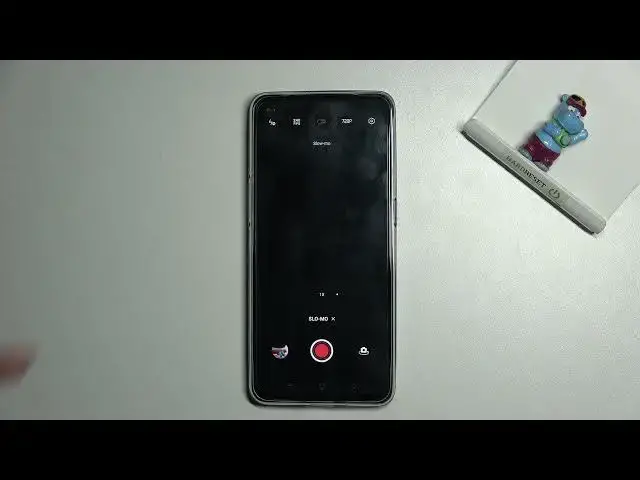

How to Change Speed of Slow Motion Recording on OPPO RENO6 5G - Slow-motion Mode
Apr 9, 2024

To learn more tutorials about OPPO RENO6 5G:
https://www.hardreset.info/devices/oppo/oppo-reno6-5g/tutorials/
Hi there! Are you wondering, how to Change the Speed of Slow Motion on OPPO RENO6 5G? Looking for a way, how to Accelerate or Slow Down the Slow-Motion Mode on OPPO RENO6 5G? If the answer is yes, then you need to open and watch this video tutorial till the end. In today's video, our expert is going to demonstrate to you, how to Switch from Photo Mode to Slow Motion Mode, and then show you how to Adjust the Recording Speed on your OPPO RENO6 5G. Follow all the instructions step-by-step described by our specialist and Manage Recording Speed Settings successfully. If you find this video helpful, leave a like, leave a comment, and subscribe to our Channel. If you still have any questions, feel free to ask them in a comment. To discover more tutorials about your OPPO RENO6 5G, visit our YouTube Channel. Thank you for watching this video!
How to Adjust Slow Speed of Slow Motion Mode on OPPO RENO6 5G?
How to Change Slow-Motion Speed on OPPO RENO6 5G?
How to Set Up the Slow-Motion Mode on OPPO RENO6 5G?
#OPPORENO65G #SlowMotion #ChangeSpeedOfSlowMotion
Follow us on Instagram ► https://www.instagram.com/hardreset.info
Like us on Facebook ► https://www.facebook.com/hardresetinfo/
Tweet us on Twitter ► https://twitter.com/HardResetI
Support us on TikTok ► https://www.tiktok.com/@hardreset.info
Use Reset Guides for many popular Apps ► https://www.hardreset.info/apps/apps/
Show More Show Less