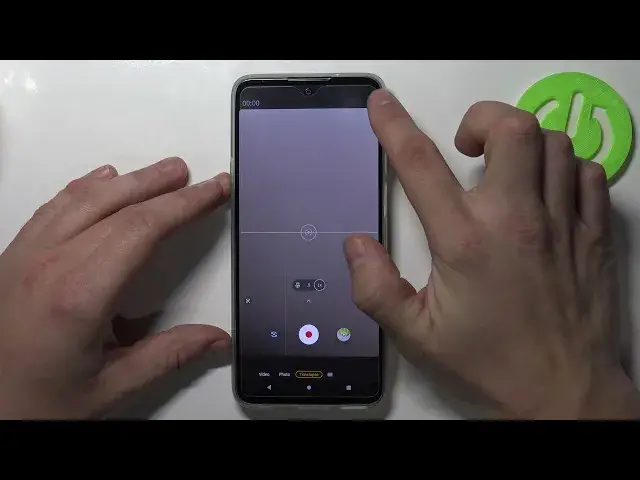

How to Change Camera Storage Location on MOTOROLA Edge 20 Lite – Adjust Camera Options
Apr 10, 2024

Find out more info about MOTOROLA Edge 20 Lite: https://www.hardreset.info/devices/motorola/motorola-edge-20-lite/
Are you aware that you can change the camera storage location on your MOTOROLA Edge 20 Lite? This is a very simple process. Follow the instructions in this tutorial. Our expert will show you how to enter the camera settings. Then, he will show you how to navigate to the data storage settings. In this setting, you can choose whether you want all photos saved to internal storage or to an SD card. We have a YouTube channel where you can learn more about the MOTOROLA Edge 20 Lite.
How to change camera location storage on MOTOROLA Edge 20 Lite? How to open camera settings in MOTOROLA Edge 20 Lite? How to set up camera location storage on MOTOROLA Edge 20 Lite? How to allow saving photos on SD Card in MOTOROLA Edge 20 Lite?
#CameraLocationStorage #CameraSettings #MOTOROLAEdge20Lite
Follow us on Instagram ► https://www.instagram.com/hardreset.info
Like us on Facebook ► https://www.facebook.com/hardresetinfo/
Tweet us on Twitter ► https://twitter.com/HardResetI
Support us on TikTok ► https://www.tiktok.com/@hardreset.info
Use Reset Guides for many popular Apps ► https://www.hardreset.info/apps/apps/
Show More Show Less