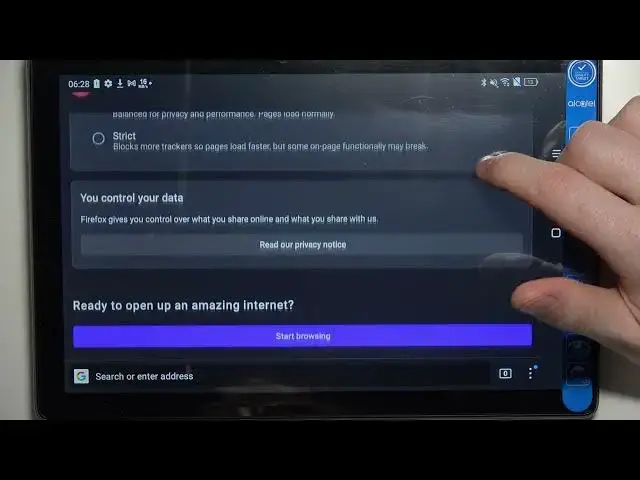

Alcatel 3T 10 4G - How To Install Firefox Browser
Jul 25, 2024

Check more info about Alcatel 3T 10 4G : https://www.hardreset.info/devices/alcatel/alcatel-3t-10-4g/tutorials/
To install the Firefox browser on the Alcatel 3T 10 4G, you can follow these steps:
Open the Google Play Store app on your Alcatel 3T 10 4G.
Search for "Firefox browser" in the search bar.
Tap the "Firefox Browser" app.
Tap the "Install" button.
Wait for the app to finish downloading and installing.
Tap the "Open" button to launch the app.
Alternatively, you can download the Firefox browser from the Mozilla website and install it manually. To do this, you will need to enable the installation of apps from unknown sources in your device's settings.
To play MP4 files on the Alcatel 3T 10 4G, you will need to have a media player app that supports the MP4 format. You can find a list of media player apps in the Google Play Store. Once you have installed a media player app, you can open the MP4 file from the app's library or by using a file manager app to locate the file on your device.
I hope this helps! Let me know if you have any other questions.
How to get Firefox browser on Alcatel 3T 10 4G ?
How to install Firefox on Alcatel 3T 10 4G ?
How to download Firefox browser in Alcatel 3T 10 4G ?
Can i use Firefox on Alcatel 3T 10 4G ?
#Alcatel3T104G #install #Firefox
Follow us on Instagram ► https://www.instagram.com/hardreset.info
Like us on Facebook ► https://www.facebook.com/hardresetinfo/
Tweet us on Twitter ► https://twitter.com/HardResetI
Support us on TikTok ► https://www.tiktok.com/@hardreset.info
Use Reset Guides for many popular Apps ► https://www.hardreset.info/apps/apps/
Show More Show Less