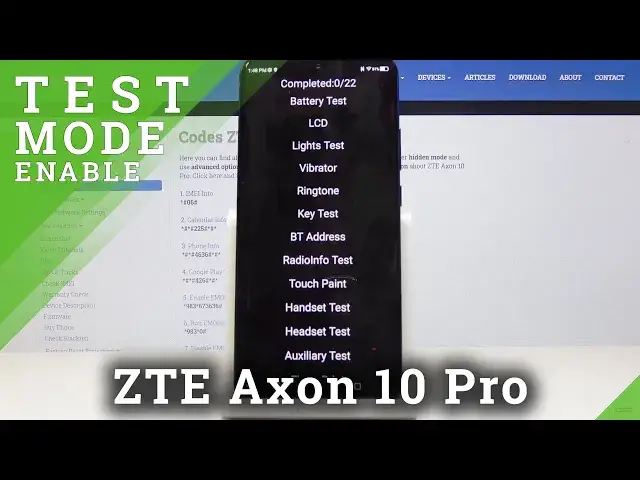

How to Enter Test Mode in ZTE Axon 10 Pro – Test Mode
May 7, 2024

Learn more info about ZTE Axon 10 Pro:
https://www.hardreset.info/devices/zte/zte-axon-10-pro/
If you would like to test ZTE Axon 10 Pro you should enter the hidden mode called Hardware Test Mode. We recommend performing all tests when you buy your ZTE device. As a result you will be able to use the test mode, USB Mode, Battery Info, Firmware specification, service menu, and other secret menus. Here you can all features of your device and you can make sure that your device works just fine.
How to open test mode in ZTE Axon 10 Pro? How to enter the ZTE Axon 10 Pro? How to get access to hardware test mode in ZTE Axon 10 Pro? How to test ZTE Axon 10 Pro? How to hardware test ZTE Axon 10 Pro? How to enter hardware test mode in ZTE Axon 10 Pro? How to open testing menu in ZTE Axon 10 Pro? How to use hardware test on ZTE Axon 10 Pro?
Follow us on Instagram ► https://www.instagram.com/hardreset.info
Like us on Facebook ► https://www.facebook.com/hardresetinfo/
Tweet us on Twitter ► https://twitter.com/HardResetI
Show More Show Less