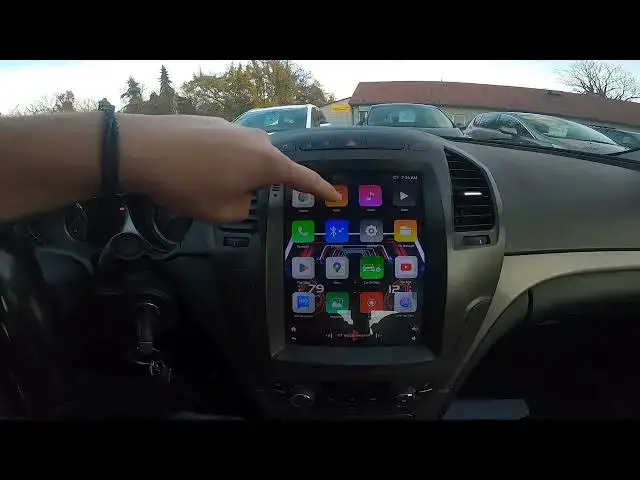

How to Save Radio Presets in Opel Insignia I ( 2008 - 2017 ) | Manage Presets
Aug 14, 2024

Find out more info about Opel Insignia I ( 2008 – 2017 ) : https://www.youtube.com/channel/UCZvHdPZzOdONixt5mRRolng
Learn how to save radio presets in the Opel Insignia I (2008-2017) and efficiently manage your presets for a seamless listening experience. This step-by-step tutorial will guide you through the process, ensuring that you can easily access your favorite radio stations whenever you need them.
How do I save radio presets in the Opel Insignia I?
What are the benefits of managing radio presets in my car?
Can I customize the order of my radio presets on the Opel Insignia I?
#OpelInsigniaI #RadioPresets #CarAudio #ManagePresets #InCarEntertainment
Years of Production:
2008, 2009, 2010, 2011, 2012, 2013, 2014, 2015, 2016, 2017
Generation:
I Gen - ( 2008 – 2017 )
Series:
Hatchback (2008 - 2013)
Sedan (2008 - 2013)
Sports Tourer (2009 - 2013)
Sedan OPC (2009 - 2013)
Hatchback OPC (2009 - 2013)
Sports Tourer OPC (2009 - 2013)
Country Tourer (2013 - 2016)
Sedan Facelifting (2013 - 2017)
Sports Tourer OPC Facelifting (2013 - 2016)
Sedan Facelifting (2013 - 2017)
Sedan OPC Facelifting (2013 - 2016)
Follow us on Instagram ► https://www.instagram.com/hardreset.info
Like us on Facebook ► https://www.facebook.com/hardresetinfo/
Tweet us on Twitter ► https://twitter.com/HardResetI
Support us on TikTok ► https://www.tiktok.com/@hardreset.info
Use Reset Guides for many popular Apps ► https://www.hardreset.info/apps/apps/
Show More Show Less