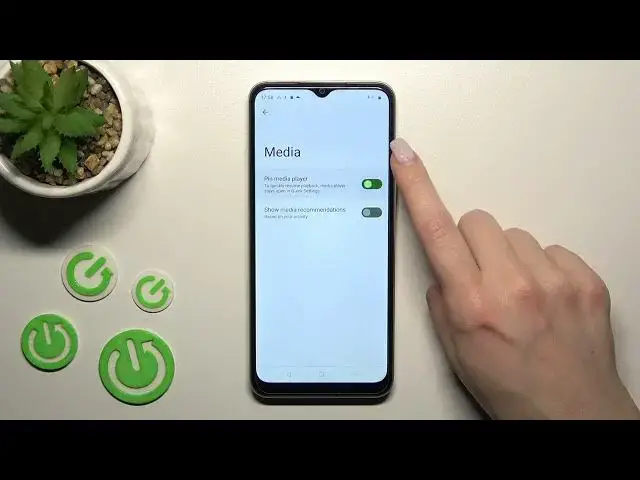

Realme C33 - Find & Manage Sound Settings
Jul 25, 2024

Discover more about Realme C33 at : https://www.hardreset.info/devices/realme/realme-c33/tutorials/
To find and manage the sound settings on your Realme C33, you can follow these steps:
Open the "Settings" app on your Realme C33.
Scroll down and tap "Sounds and vibration."
This will open the sound settings menu, where you can adjust various sound-related settings on your phone.
To adjust the volume of the phone's various audio outputs, use the sliders under the "Volume" section. You can adjust the volume for media, alarms, and calls separately.
To turn off the phone's sound completely, toggle the switch next to "Silent mode" to the "On" position.
To customize the phone's vibration settings, tap "Vibration intensity." From here, you can adjust the intensity of the phone's vibration for various actions, such as incoming calls and notifications.
To customize the phone's ringtone and notification sounds, tap "Ringtone" and "Notification sounds" respectively. From here, you can choose from a list of pre-installed sounds or use a custom sound.
By adjusting these sound settings, you can customize the way that your Realme C33 sounds to suit your preferences.
Where are sound settings on Realme C33 ?
How to locate sound options on Realme C33 ?
Sound settings on Realme C33 ?
Can i change sound settings on Realme C33 ?
#RealmeC33 #soundsettings #Location
Follow us on Instagram ► https://www.instagram.com/hardreset.info
Like us on Facebook ► https://www.facebook.com/hardresetinfo/
Tweet us on Twitter ► https://twitter.com/HardResetI
Support us on TikTok ► https://www.tiktok.com/@hardreset.info
Use Reset Guides for many popular Apps ► https://www.hardreset.info/apps/apps/
Show More Show Less