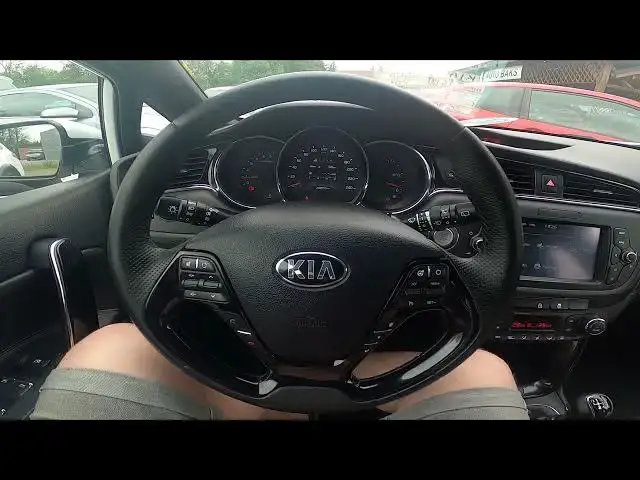

How to Enable or Disable Traffic Announcements in Kia Ceed II ( 2012 - 2018 ) - Turn TA On or Off
Aug 11, 2024

Find out more info about Kia Ceed II ( 2012 - 2018 ) : https://www.youtube.com/channel/UCZvHdPZzOdONixt5mRRolng
Years of Production:
2012, 2013, 2014, 2015, 2016, 2017, 2018
Generation:
II Gen. ( 2012 – 2018 )
Series:
Kombi (2012 - 2015)
Hatchback 5d (2012 - 2015)
GT 5d (2013 - 2017)
GT 3d (2013 - 2017)
pro_cee´d (2013 - 2016)
Hatchback 5d Facelifting (2015 - 2018)
Kombi Facelifting (2015 - 2018)
pro_cee´d Facelifting (2016 - 2018)
Would You like to learn how to Enable or Disable Traffic Announcements in Kia Ceed II? Modern cars have many systems responsible for safety. One of them is Traffic Announcements, a feature thanks to which we'll get notifications about what's happening on the road via radio. If You want to learn how to manage the Traffic Announcements feature in Kia Ceed II follow the quick tutorial we've provided above!
How to Enable Traffic Announcements? How to Disable Traffic Annoucements?
#TrafficAnnouncemnts #EnableTrafficAnnouncemnts #DisableTrafficAnnouncements
Follow us on Instagram ► https://www.instagram.com/hardreset.info
Like us on Facebook ► https://www.facebook.com/hardresetinfo/
Tweet us on Twitter ► https://twitter.com/HardResetI
Support us on TikTok ► https://www.tiktok.com/@hardreset.info
Use Reset Guides for many popular Apps ► https://www.hardreset.info/apps/apps/
Show More Show Less