0:00
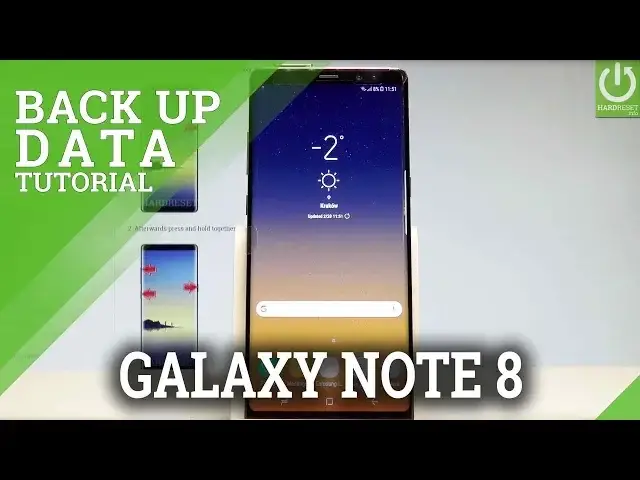
Here I have Samsung Galaxy Note 8 and let me show you how to enable the backup option
0:12
on the following device. So at the very beginning let's start by using the home screen, let's enable the list of
0:17
all applications, choose settings, let's scroll down to cloud and accounts. Here you have to choose the backup and restore and now you can use the Samsung backup feature
0:29
or you can also use the Google backup feature. In my case let me use the Google backup
0:35
So let's enable the backup my data feature right here. Then you need to set the backup account, if you have added some Google accounts you can
0:43
use them, if not let's choose account. The device is checking info and here you can sign in into your Google account or you can
0:51
also create a new one if you would like to, but in my case let me use the existing one
0:57
So let's enter the email or it could be also the phone number
1:03
Tap next. Now you need to enter the password, let me do it
1:19
Let's choose next right here. Tap I agree. The device is checking info and getting the account information, here you can enable or
1:31
disable automatic backup to Google drive, in my case let me leave it enabled and let's
1:36
tap agree. So basically that's it, you just enabled backup my data and add necessary backup account
1:42
So you can go back and start using your device. Thank you for watching, please subscribe our channel and leave thumbs up under the video