0:00
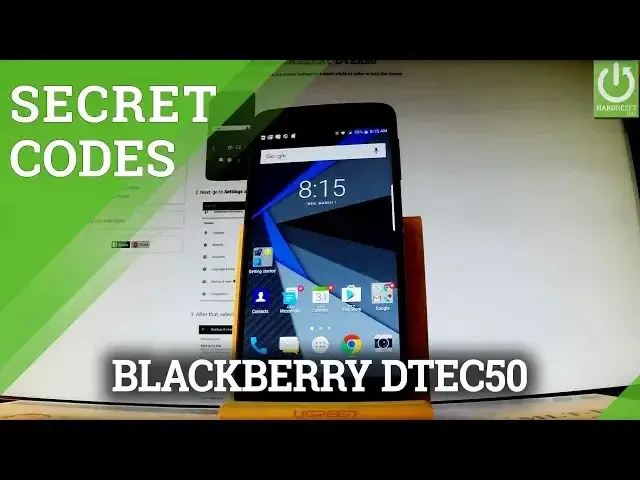
Here I have BlackBerry DTX50 and let me show you secret codes that works on this device
0:10
So at first let's open the fonts dialer by using a font button right here in that corner
0:15
Let's activate keypad and here you should input all secret codes that you know
0:19
So let's start by using a calendar info. Let's type in star hash, star hash, 225, hash star, hash star
0:29
As you can see the calendar info just pops up. You can see some specification and some details, information about your calendar
0:37
Let's go back by using your back arrow and now let me show you how to open Google Play
0:41
Services mode. So all you have to do is type in star hash, star hash, 426, hash star, hash star
0:51
And as you can see Google Play Services just pops up. You can navigate here by using a following menu
0:57
You can choose ping, connect, disconnect, events or status. Let's go back and let me show you how to open debug UI
1:05
So all you have to do is type in star hash, star hash, 759, hash star, hash star
1:13
And the debug UI appears in front of you. You can enable OEM mode right here
1:20
You can view client's IDs and go back by choosing close and back arrow
1:26
Let me also show you how to check email number by using a secret code
1:31
So all you have to do is type in star hash, 06, hash and the email number just pops up
1:38
In order to close this window simply tap OK. Excellent thank you for watching
1:42
Please subscribe our channel and leave thumbs up under the video