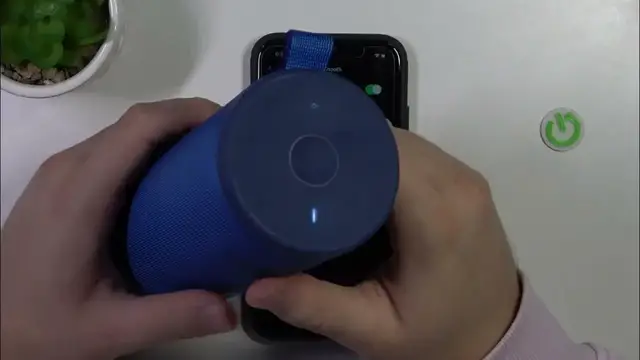

How to Enter Pairing Mode in Logitech Ultimate BOOM 3?
Jan 19, 2024

Get your Logitech Ultimate BOOM 3 ready for wireless connections by learning how to enter pairing mode. In this straightforward tutorial, we'll guide you through the steps to ensure your speaker is discoverable for new devices. Whether you're connecting to your phone, tablet, or other gadgets, we've got you covered. Watch this video to discover how to enter pairing mode in your Logitech Ultimate BOOM 3.
How to Prepare Logitech Ultimate BOOM 3 for Wireless Connections with Pairing Mode?
How to Make Logitech Ultimate BOOM 3 Discoverable for New Devices?
How to Effortlessly Pair Logitech Ultimate BOOM 3 with Your Gadgets?
Find out more: https://www.hardreset.info/
#logitech #bluetoothspeaker #wirelessspeaker
Follow us on Instagram ► https://www.instagram.com/hardreset.info
Like us on Facebook ► https://www.facebook.com/hardresetinfo/
Tweet us on Twitter ► https://twitter.com/HardResetI
Support us on TikTok ► https://www.tiktok.com/@hardreset.info
Use Reset Guides for many popular Apps ► https://www.hardreset.info/apps/apps/
Show More Show Less #Science