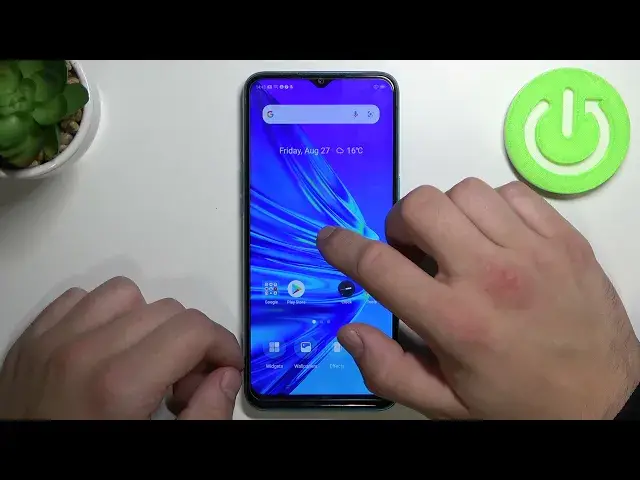

How to Restore Messages Icon to Home Screen in Realme 5i - Remove Messages App from Display
Jul 7, 2024

Check out more information’s about REALME 5i: https://www.hardreset.info/devices/realme/realme-5i/
If you are struggling with Restoring Messages Icon to Home Screen in Realme 5i, or quite opposite Removing it, then this video is just perfect for you! Today, we would like to show you how to, Add an SMS Icon on your Display or Remove it correctly within seconds, by showing it to you, step by step. So, just follow this video, and enjoy using your apps comfortably on Oppo A54 5G.Let's begin!
How to Restore Messages Icon to Home Screen in REALME 5i? How to Remove Messages App from REALME 5i Display? How to Add Messages Icon to Home Screen in REALME 5i? How to Delate Messages App from REALME 5i Display? How to Bring Back Messages Icon to Home Screen in REALME 5i? How to Remove SMS App from REALME 5i Display? How to Add SMS App from REALME 5i Display?
#Realme5i #RestoreMessagesIcon #RemoveSMSIcon
Follow us on Instagram ► https://www.instagram.com/hardreset.info
Like us on Facebook ► https://www.facebook.com/hardresetinfo/
Tweet us on Twitter ► https://twitter.com/HardResetI
Support us on TikTok ►https://tiktok.com/@hardreset.info
Use Reset Guides for many popular Apps ► https://www.hardreset.info/apps/apps/
Show More Show Less #Science