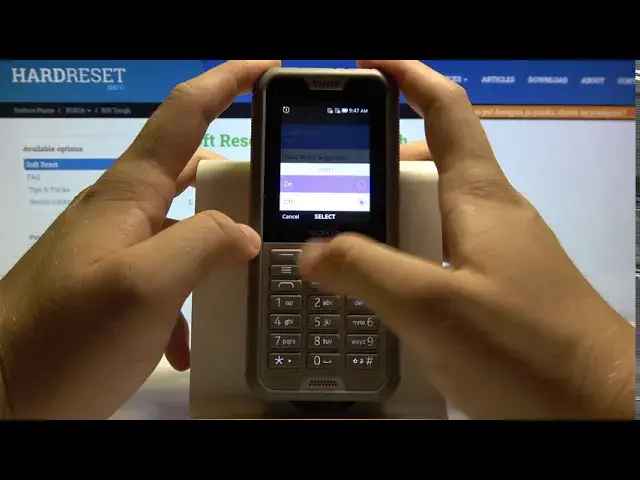

How to Enable Autocorrection in NOKIA 800 Tough – Correct Misspelled Words
Apr 29, 2024

Learn more info about NOKIA 800 Tough:
https://www.hardreset.info/devices/nokia/nokia-800-tough/
Are you looking for a solution to correct misspelled words in NOKIA 800 Tough? Wondered how to enable autocorrection in NOKIA 800 Tough? We are coming with the tutorial, where we teach you how to automatically correct misspelled words on NOKIA 800 Tough. If you want to go to the autocorrection settings and manage options, find out the attached instructions and remove suggested words within a couple of seconds. Let’s follow the video guide and activate/deactivate auto-correction on NOKIA 800 Tough. Visit our HardReset.info YT channel and find more super useful tutorials for NOKIA 800 Tough.
How to activate autocorrection on NOKIA 800 Tough? How to autocorrect on NOKIA 800 Tough? How to check to spell on NOKIA 800 Tough? How to enable autocorrect on NOKIA 800 Tough? How to activate autocorrection on NOKIA 800 Tough? How to use autocorrection on NOKIA 800 Tough? How to turn on autocorrect on NOKIA 800 Tough? How to remove suggested words on NOKIA 800 Tough? How to turn on autocorrect off on NOKIA 800 Tough?
#Autocorrection #CorrectMisspelledWords #NOKIA800Tough
Follow us on Instagram ► https://www.instagram.com/hardreset.info
Like us on Facebook ► https://www.facebook.com/hardresetinfo/
Tweet us on Twitter ► https://twitter.com/HardResetI
Support us on TikTok ► https://www.tiktok.com/@hardreset.info
Use Reset Guides for many popular Apps ► https://www.hardreset.info/apps/apps/
Show More Show Less #Science