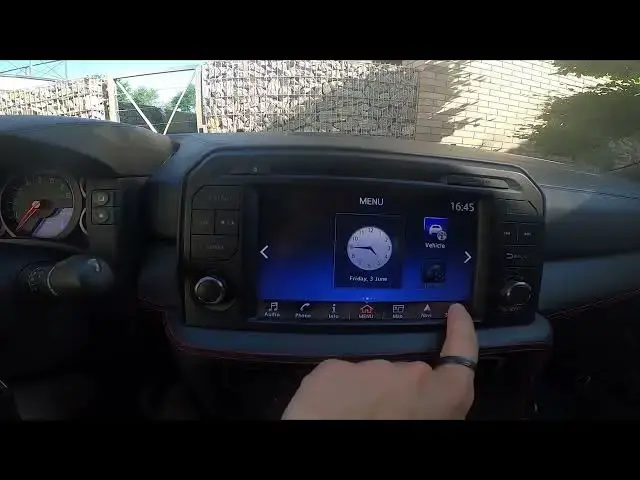

Video thumbnail for How to Enable or Disable Bluetooth in Car Radio in Nissan GT-R R35 ( 2007 - now )

How to Enable or Disable Bluetooth in Car Radio in Nissan GT-R R35 ( 2007 - now )

Aug 11, 2024

hardreset.info Logo

hardreset.info

Find out more info about Nissan GT-R R35 ( 2007 - now ) : https://www.youtube.com/channel/UCZvHdPZzOdONixt5mRRolng Years of Production: 2007 – now Generation: I Gen. ( 2007 - now ) Series: R35 - ( 2007 – now ) Coupe (2007 - 2011) Coupe Facelifting (2011 - 2013) Coupe Facelifting 2014 (2014) Nismo (2014 - 2016) Nismo Facelifting (2016 - now) Coupe Facelifting 2016 (2016 - now) Do You want to know how to Enable or Disable Bluetooth in Car Radio in Nissan GT-R R35? Thanks to the Bluetooth feature You'll be able to answer calls and listen to music from Your phone via Car Radio. Follow the video we've provided above to learn how to Turn Bluetooth On or Off in Nissan GT-R R35! How to Enable Bluetooth? How to Disable Bluetooth? How to Use Bluetooth? #TurnBluetoothOn #TurnBluetoothOff #ManageBluetooth Follow us on Instagram ► https://www.instagram.com/hardreset.info Like us on Facebook ► https://www.facebook.com/hardresetinfo/ Tweet us on Twitter ► https://twitter.com/HardResetI Support us on TikTok ► https://www.tiktok.com/@hardreset.info Use Reset Guides for many popular Apps ► https://www.hardreset.info/apps/apps/

View Video Transcript
#Autos & Vehicles