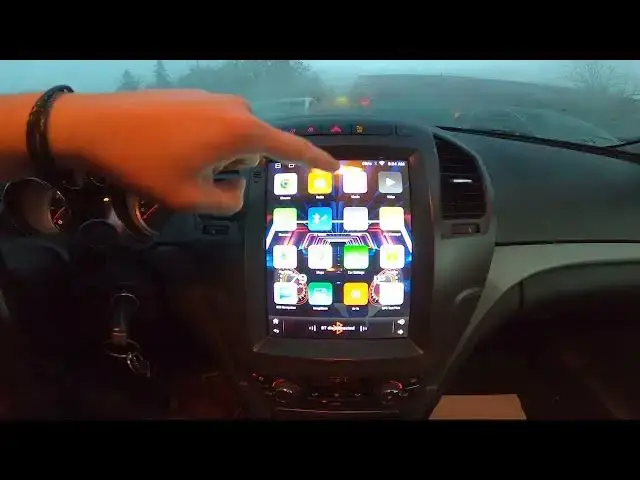

How to Watch Videos and Movies via YouTube App in Opel Insignia I ( 2008 – 2017 )
Aug 14, 2024

Find out more info about Opel Insignia I ( 2008 – 2017 ) : https://www.youtube.com/channel/UCZvHdPZzOdONixt5mRRolng
Welcome to our channel! In this video, we'll show you how to enjoy watching videos and movies on your Opel Insignia I screen display (2020 - Now) and guide you through accessing YouTube and other content.
Here are three key points we'll cover in this video:
How to access and navigate the screen display to watch videos and movies on your Opel Insignia I.
Tips on safely enjoying content while parked and adhering to Opel Insignia I guidelines.
A step-by-step guide on entering YouTube and exploring its features in your Opel Insignia I.
Don't forget to like this video if you find it helpful and subscribe to our channel for more Tesla-related tips and tutorials!
#ScreenDisplay #YouTube #TeslaFeatures #VideoEntertainment
#CarTech #EntertainmentOnTheGo #OpelTutorial #InCarEntertainment
Years of Production:
2008, 2009, 2010, 2011, 2012, 2013, 2014, 2015, 2016, 2017
Generation:
I Gen - ( 2008 – 2017 )
Series:
Hatchback (2008 - 2013)
Sedan (2008 - 2013)
Sports Tourer (2009 - 2013)
Sedan OPC (2009 - 2013)
Hatchback OPC (2009 - 2013)
Sports Tourer OPC (2009 - 2013)
Country Tourer (2013 - 2016)
Sedan Facelifting (2013 - 2017)
Sports Tourer OPC Facelifting (2013 - 2016)
Sedan Facelifting (2013 - 2017)
Sedan OPC Facelifting (2013 - 2016)
Follow us on Instagram ► https://www.instagram.com/hardreset.info
Like us on Facebook ► https://www.facebook.com/hardresetinfo/
Tweet us on Twitter ► https://twitter.com/HardResetI
Support us on TikTok ► https://www.tiktok.com/@hardreset.info
Use Reset Guides for many popular Apps ► https://www.hardreset.info/apps/apps/
Show More Show Less