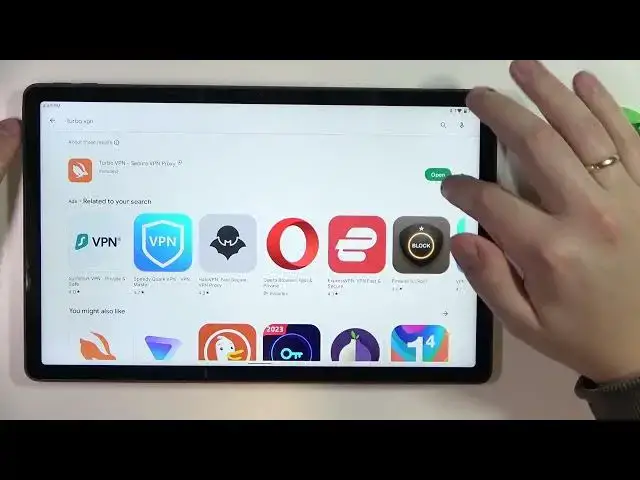

Lenovo Tab P11 Plus - How To Set Up VPN
Jul 25, 2024

Best VPN: https://go.nordvpn.net/aff_c?offer_id=15&aff_id=80575&url_id=902 Check more info about LENOVO TAB P11 PLUS :
https://www.hardreset.info/devices/lenovo/lenovo-tab-p11-plus/tutorials/
To set up a VPN on a Lenovo Tab P11 Plus tablet, follow these steps:
Open the "Settings" app on your tablet.
Tap on the "Connections" option.
Tap on the "More connection settings" option.
Tap on the "VPN" option.
Tap on the "+" button in the top right corner of the screen to add a new VPN.
Enter the VPN's name and server address in the appropriate fields. You can get this information from your VPN provider.
Tap on the "Save" button to save the VPN connection.
To connect to the VPN, tap on its name in the VPN list and enter your login credentials if prompted.
Tap on the "Connect" button to establish the VPN connection.
Note: The exact steps may vary depending on your specific device and the version of Android it is running. If you have any trouble setting up the VPN, you can try searching for specific instructions online or refer to the user manual for your device. Additionally, you may need to install a VPN app from the Google Play Store to use a VPN on your tablet.
How to get VPN on LENOVO TAB P11 PLUS ?
Is ther VPN on LENOVO TAB P11 PLUS ?
LENOVO TAB P11 PLUS VPN ?
How to download VPN on LENOVO TAB P11 PLUS ?
#LENOVOTABP11PLUS #GET #VPN
Follow us on Instagram ► https://www.instagram.com/hardreset.info
Like us on Facebook ► https://www.facebook.com/hardresetinfo/
Tweet us on Twitter ► https://twitter.com/HardResetI
Support us on TikTok ► https://www.tiktok.com/@hardreset.info
Use Reset Guides for many popular Apps ► https://www.hardreset.info/apps/apps/
Show More Show Less