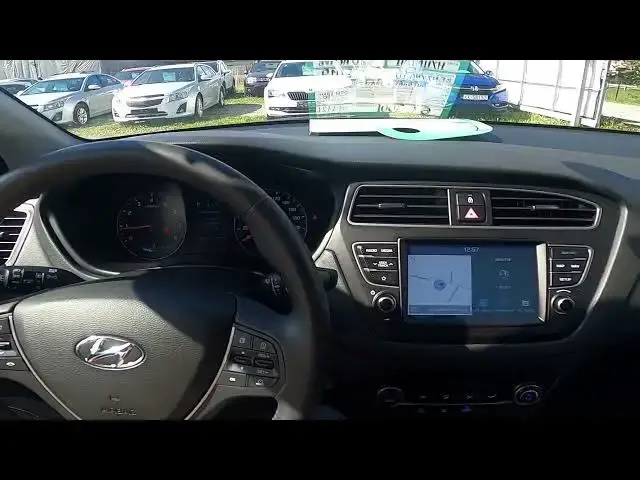

How to Enable or Disable Auto Airflow in Hyundai I20 II ( 2012 – 2020 ) - Use Auto Climate Control
Aug 12, 2024

Find out more info about Hyundai I20 II ( 2012 – 2020 ) : https://www.youtube.com/channel/UCZvHdPZzOdONixt5mRRolng
Would You like to learn how to Enable or Disable Automatic Airflow Direction, Power, and Temperature in Hyundai I20 II? Auto Mode for Airflow and Temperature is a very helpful function. Thanks to special sensors, a car is automatically adjusting Airflow Temperature, Direction, and Power so You don't have to do it manually. Follow the video above to better manage Your Hyundai I20 II!
How to Enable Auto Climate Control? How to Disable Auto Climate Control?
#AutoAirflow #AutoTemperature #AutoAiflowDirection
Years of Production:
2012, 2013, 2014, 2015, 2016, 2017, 2018, 2019, 2020
Generation:
II Gen - ( 2012 – 2020 )
Series:
Coupe (2012 - 2017)
Hatchback 5d (2014 - 2018)
Active (2016 - 2018)
Active Facelifting (2018 - 2020)
Hatchback 5d Facelifting (2018 - 2020)
Follow us on Instagram ► https://www.instagram.com/hardreset.info
Like us on Facebook ► https://www.facebook.com/hardresetinfo/
Tweet us on Twitter ► https://twitter.com/HardResetI
Support us on TikTok ► https://www.tiktok.com/@hardreset.info
Use Reset Guides for many popular Apps ► https://www.hardreset.info/apps/apps/
Show More Show Less