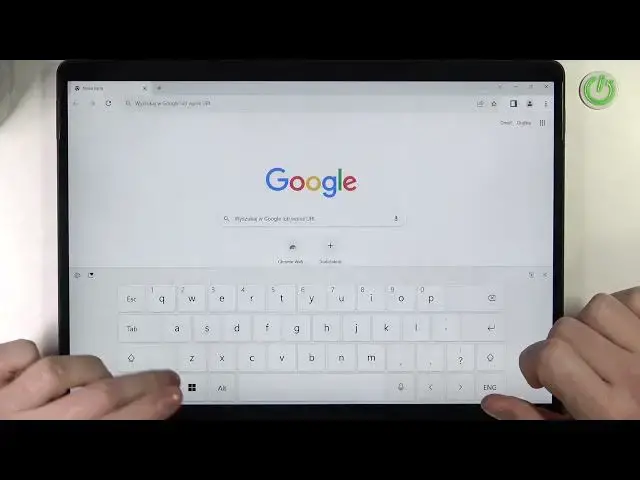

Microsoft Surface Pro 8 - How To Record Screen
Jul 24, 2024

Check more info about Microsoft Surface Pro 8 :
https://www.hardreset.info/devices/microsoft/microsoft-surface-pro-8/tutorials/
To record the screen on the Microsoft Surface Pro 8, follow these steps:
Open the "Start" menu on your Surface Pro 8 and type "Xbox" in the search bar.
Click on the "Xbox Game Bar" app to open the Xbox Game Bar.
The Xbox Game Bar is a built-in tool that allows you to record and capture gameplay, videos, and screenshots on your Surface Pro 8.
When the Xbox Game Bar opens, you will see a list of options and buttons, such as "Capture", "Record", "Screenshot", and "Broadcast".
To record the screen, click on the "Record" button or press the "Windows" key + "Alt" + "R" on your keyboard.
The Xbox Game Bar will start recording the screen and displaying a recording timer on the top-right corner of the screen.
To stop the recording, click on the "Stop" button or press the "Windows" key + "Alt" + "R" on your keyboard again.
The recorded video will be saved to your device, in the "Videos" folder, under the "Captures" subfolder.
Keep in mind that the Xbox Game Bar on the Surface Pro 8 allows you to record the screen and capture videos, gameplay, and screenshots easily and quickly. You can use the Xbox Game Bar to record tutorials, presentations, webinars, or other content on your device. You can also customize the settings and options of the Xbox Game Bar, such as the audio, the quality, and the recording mode. You should consider the performance and battery life implications of recording the screen on your Surface Pro 8.
How to start screen recording on MICROSOFT SURFACE PRO 8 ?
How to record screen in MICROSOFT SURFACE PRO 8 ?
Can i record screen on MICROSOFT SURFACE PRO 8 ?
Where is screen recorder on MICROSOFT SURFACE PRO 8 ?
#MICROSOFTSURFACEPRO8 #screenrecording #Start
Follow us on Instagram ► https://www.instagram.com/hardreset.info
Like us on Facebook ► https://www.facebook.com/hardresetinfo/
Tweet us on Twitter ► https://twitter.com/HardResetI
Support us on TikTok ► https://www.tiktok.com/@hardreset.info
Use Reset Guides for many popular Apps ► https://www.hardreset.info/apps/apps/
Show More Show Less