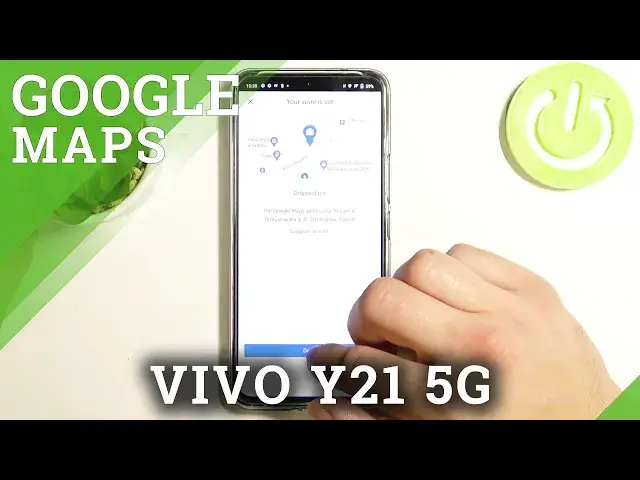

How to Change Work Home Location in Google Maps on VIVO V21 5G
Apr 10, 2024

Find out more info about VIVO V21 5G:
https://www.hardreset.info/devices/vivo/vivo-v21/
Hello! If you need to change your work or home address (or both) in your Google Map on your VIVO V21 5G, you should open this tutorial and let us show you how to do it. We will show you how to enter the Google Maps settings, and then show you how to change the current location, then how to enter new data and save all changes. If you use navigation a lot, entering this data can significantly speed up the process of planning a route to your home or work. If you want to know more about Google Maps - how to use maps offline or how to turn on incognito mode, go to our YouTube channel and watch tutorials created by our specialists.
How to change home location in Google Maps? How to set up Google Maps data in VIVO V21 5G? How to update home address in Google Maps on VIVO V21 5G? How to change work location in Google Maps? How to change home and work locations in Google Maps on VIVO V21 5G? How to update home and work addresses in Google Maps in VIVO V21 5G?
#GoogleMaps #HomeWorkLocations #VIVOV215G
Follow us on Instagram ► https://www.instagram.com/hardreset.info
Like us on Facebook ► https://www.facebook.com/hardresetinfo/
Tweet us on Twitter ► https://twitter.com/HardResetI
Support us on TikTok ► https://www.tiktok.com/@hardreset.info
Use Reset Guides for many popular Apps ► https://www.hardreset.info/apps/apps/
Show More Show Less