0:00
Hi, welcome to Hard Risk DInfo channel, dear viewers
0:04
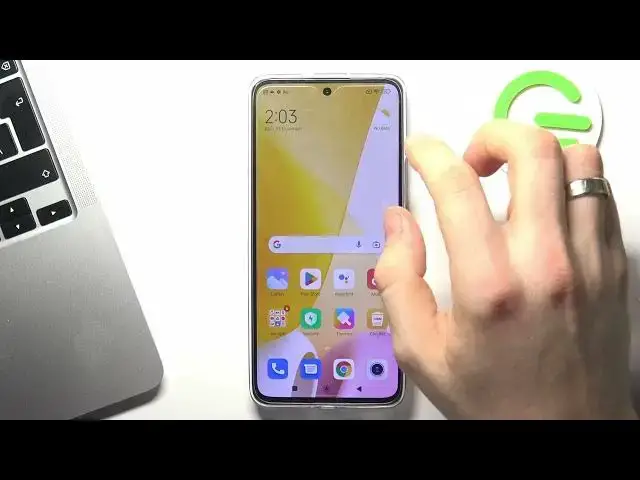
In front of me is Xiaomi 12 Lite and now I gonna show you how to improve battery life
0:08
in this device. So let's start by turning off all unnecessary running services
0:17
To do that open the quick access panel, your control panel and let's take a closer look
0:25
at all the items. So great, if you are not using WiFi right now but only using a mobile network then disable
0:33
the WiFi and enable mobile network only. If you are only using WiFi but not using the mobile network then disable the mobile network
0:42
This will save your battery power, the phone will not search for unused networks
0:48
If you have a choice of using the mobile network or WiFi I suggest you use WiFi because WiFi
0:53
use less battery power. Pay attention to Bluetooth, if you don't need Bluetooth right now just turn it off
1:02
because if Bluetooth is enabled it's constantly looking for new devices nearby and this also
1:09
consumes your battery power. So disable Bluetooth if you are not using it now
1:16
The next step is to enable, is to disable geolocation services. So turn off geolocation services, you need to find location, if you have no location
1:30
here click on pencil button and click plus on location services and then you can just
1:40
disable location services. Great, the next step is to enable power saving mode
1:49
In order to turn on the power saving feature open the settings and scroll down, find battery
1:58
here and click battery saving mode. And if you only need your phone to make sales and you need it to last as long as possible
2:11
then I recommend you to turn on the super power saving mode, ultra battery saver
2:19
So just click on it, enable it and as you can see in this mode my device will work for
2:24
about 22 hours. As you can see here we have only 4 applications to use and I suggest you use only needed applications
2:44
because if you will add here application, if you will add here YouTube or games it will
2:52
consume your battery power as in normal mode. If you want to exit the ultra battery saver just click on the icon in the right top corner
3:03
And great, that's it, thanks for watching, like this video, subscribe to the AVA channel