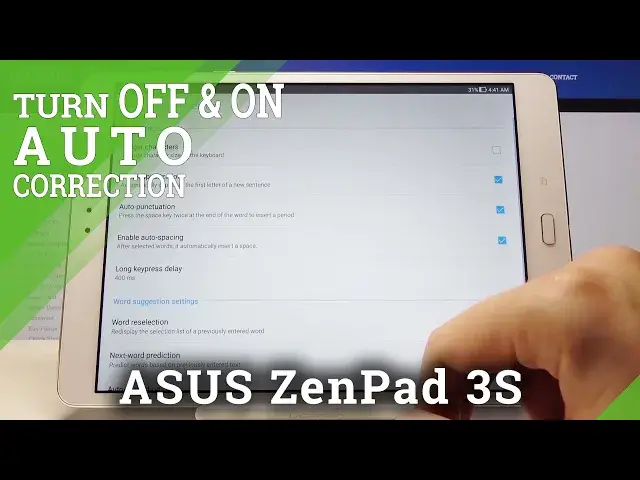

How to Enter Auto Correction Options in ASUS Zenpad 3s – Show Correction Settings
May 7, 2024

Learn more info about ASUS Zenpad 3s:
https://www.hardreset.info/search/?q=asus+zenpad+3s&device_type=
Do you like to use autocorrection in your ASUS Zenpad 3s but you’d like to change its settings? Here we are coming to guide you through all steps required to find autocorrection settings, which will let you personalize correction options just like you want. Let’s follow all shown instructions and find proper correction options in your ASUS device and successfully customize them.
How to activate autocorrection in ASUS Zenpad 3s? How to use autocorrection in ASUS Zenpad 3s? How to turn on autocorrect in ASUS Zenpad 3s? How to turn autocorrect off in ASUS Zenpad 3s? How to switch from autocorrection to normal keyboard in ASUS Zenpad 3s?
Follow us on Instagram ► https://www.instagram.com/hardreset.info
Like us on Facebook ► https://www.facebook.com/hardresetinfo/
Tweet us on Twitter ► https://twitter.com/HardResetI
Show More Show Less #Science