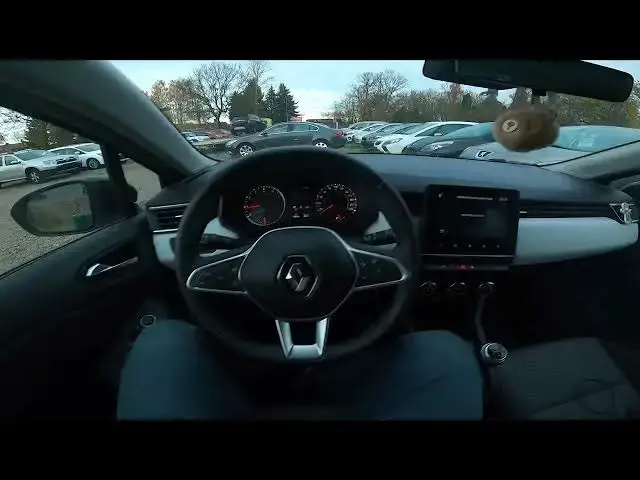

How to Check Software Version or Update in Renault Clio V ( 2019 - now )
Aug 14, 2024

Find out more info about Renault Clio V ( 2019 - now ) : https://www.youtube.com/channel/UCZvHdPZzOdONixt5mRRolng
Stay up to date and ensure optimal performance with our guide on how to check the software version and update it in the Renault Clio V available from 2018 to the present. Learn how to maintain the latest features, security, and improvements for your vehicle's system.
Possible Questions:
Why is it essential to check and update the software in the Renault Clio V, and what are the benefits of staying current?
Can you provide a step-by-step tutorial on how to check the software version and perform updates in the vehicle's system?
Are there specific considerations or tips for keeping the software up to date in the Renault Clio V?
#RenaultClioV #SoftwareUpdate #CarTech #ToyotaTech #VehicleMaintenance #CarTechTips
Years of Production:
2019 - now
Generation:
V Gen - ( 2019 – now )
Series:
Hatchback 5d (2019 - 2023)
Hatchback 5d Hybrid (2020 - 2023)
Hatchback 5d Hybrid Facelifting (2023 - teraz)
Hatchback 5d Facelifting (2023 - teraz)
Follow us on Instagram ► https://www.instagram.com/hardreset.info
Like us on Facebook ► https://www.facebook.com/hardresetinfo/
Tweet us on Twitter ► https://twitter.com/HardResetI
Support us on TikTok ► https://www.tiktok.com/@hardreset.info
Use Reset Guides for many popular Apps ► https://www.hardreset.info/apps/apps/
Show More Show Less