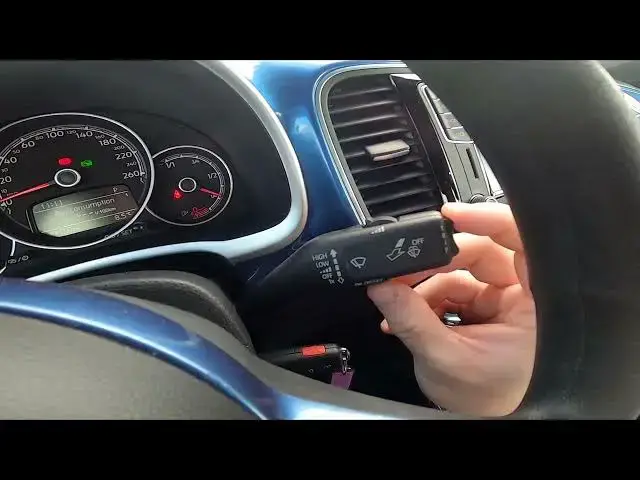

How to Navigate Through the Speedometer Display Volkswagen Beetle ( 2011 – 2017 ) Manage Speedometer
Aug 13, 2024

Find out more info about Volkswagen Beetle ( 2011 – 2017 ) : https://www.youtube.com/channel/UCZvHdPZzOdONixt5mRRolng
Would You like to know how to navigate Through the Speedometer Display in Volkswagen Beetle? Did You know that on Speedometer Display You'll find much helpful info like current time, fuel consumption, oil temperature, and many more? Follow the video we've provided above to learn how to Navigate through the Speedometer Display in Volkswagen Beetle!
How to Navigate Through the Speedometer Display? How to Manage Speedometer Display?
#NavigateSpeedometerDisplay #ManageSpeedometerDisplay
Years of Production:
2011, 2012, 2013, 2014, 2015, 2016, 2017
Generation:
I Gen
Series:
Hatchback 3d (2011 - 2016)
Cabriolet (2013 - 2016)
Hatchback 3d FL (2017)
Follow us on Instagram ► https://www.instagram.com/hardreset.info
Like us on Facebook ► https://www.facebook.com/hardresetinfo/
Tweet us on Twitter ► https://twitter.com/HardResetI
Support us on TikTok ► https://www.tiktok.com/@hardreset.info
Use Reset Guides for many popular Apps ► https://www.hardreset.info/apps/apps/
Show More Show Less #Autos & Vehicles
#Volkswagen