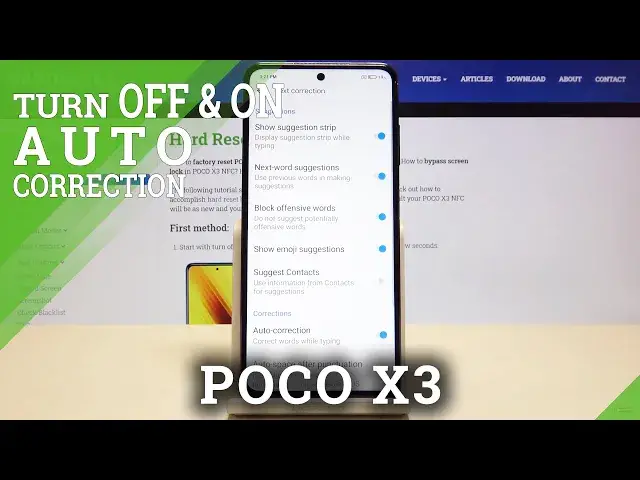

How to Use Autocorrection on POCO X3 – Turn On Autocorrection
Jul 17, 2024

Learn mode info about POCO X3 NFC:
https://www.hardreset.info/devices/poco/poco-x3-nfc/
If you want your POCO X3 to automatically correct all spelling mistakes, stay with us. Our specialist will show you how to activate the automatic correction function. See how convenient it is when you can freely write text, knowing that the device will automatically correct all language mistakes. It is an ideal solution for people who have problems with knowing the rules of spelling.
How to Activate Autocorrection in POCO X3 NFC? How to use Autocorrection in POCO X3 NFC? How to Turn on Autocorrect in POCO X3 NFC? How to Turn Off Autocorrection in POCO X3 NFC? How to enable Autocorrection in POCO X3? How to disable autocorrection in POCO X3?
Follow us on Instagram ► https://www.instagram.com/hardreset.info
Like us on Facebook ► https://www.facebook.com/hardresetinfo/
Tweet us on Twitter ► https://twitter.com/HardResetI
Show More Show Less #Science