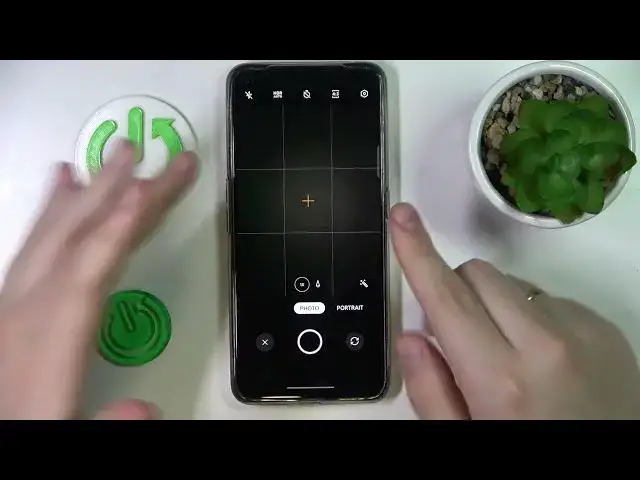

How to Scan Any Document with Realme GT Neo 3T - Convert File to PDF
Mar 25, 2024

Check out our website to answer other questions about REALME GT NEO 3T: https://www.hardreset.info/devices/realme/realme-gt-neo-3t/tutorials/
If you don’t have a professional Documents Scanner, then look up and find out how to Scan them using Realme GT Neo 3T! All you need to do is look up and repeat all shown steps on your device. This way you’ll access Google Drive and use it to Scan Documents, it doesn't end there you’ll also be able to Convert already scanned ones to PDF. So, don’t just wait and wonder, let’s begin!
How to Scan Any Document with Realme GT Neo 3T? How to Convert File to PDF in Realme GT Neo 3T? How to Scan Documents Using Realme GT Neo 3T?
#RealmeGTNeo3T #ScanDocument #ConvertFilePDF
Follow us on Instagram ► https://www.instagram.com/hardreset.info
Like us on Facebook ► https://www.facebook.com/hardresetinfo/
Tweet us on Twitter ► https://twitter.com/HardResetI
Support us on TikTok ►https://tiktok.com/@hardreset.info
Use Reset Guides for many popular Apps ► https://www.hardreset.info/apps/apps/
Show More Show Less