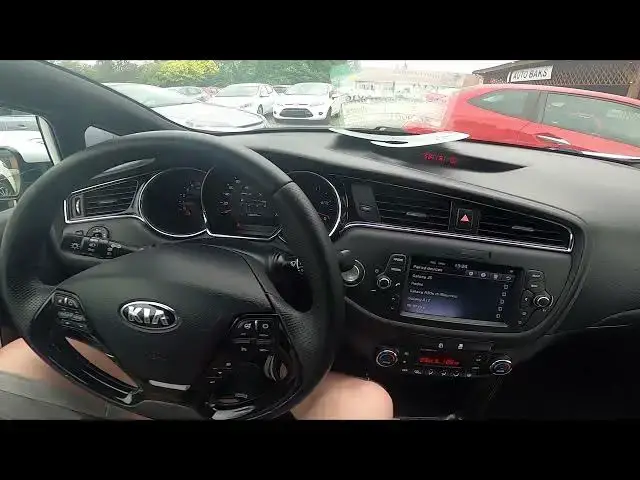

How to Forget Smartphone From Bluetooth Settings in Kia Ceed II ( 2012 - 2018 ) - Remove Phone
Aug 11, 2024

Find out more info about Kia Ceed II ( 2012 - 2018 ) : https://www.youtube.com/channel/UCZvHdPZzOdONixt5mRRolng
Years of Production:
2012, 2013, 2014, 2015, 2016, 2017, 2018
Generation:
II Gen. ( 2012 – 2018 )
Series:
Kombi (2012 - 2015)
Hatchback 5d (2012 - 2015)
GT 5d (2013 - 2017)
GT 3d (2013 - 2017)
pro_cee´d (2013 - 2016)
Hatchback 5d Facelifting (2015 - 2018)
Kombi Facelifting (2015 - 2018)
pro_cee´d Facelifting (2016 - 2018)
Do You want to know how to Delete Your Smartphone from Bluetooth settings in Car Radio in Kia Ceed II? Removing devices from the Bluetooth list in Car Radio is a helpful function because sometimes when the Bluetooth list is full You cant connect new device You want. Follow the video we've provided above to learn how to Delete Smartphones from the Bluetooth Device list in Car Radio in Kia Ceed II!
How to Unpair Smartphone? How to Remove Smartphone?
#DisconnectPhone #DisconnectSmartphone #UnpairSmartphone
Follow us on Instagram ► https://www.instagram.com/hardreset.info
Like us on Facebook ► https://www.facebook.com/hardresetinfo/
Tweet us on Twitter ► https://twitter.com/HardResetI
Support us on TikTok ► https://www.tiktok.com/@hardreset.info
Use Reset Guides for many popular Apps ► https://www.hardreset.info/apps/apps/
Show More Show Less