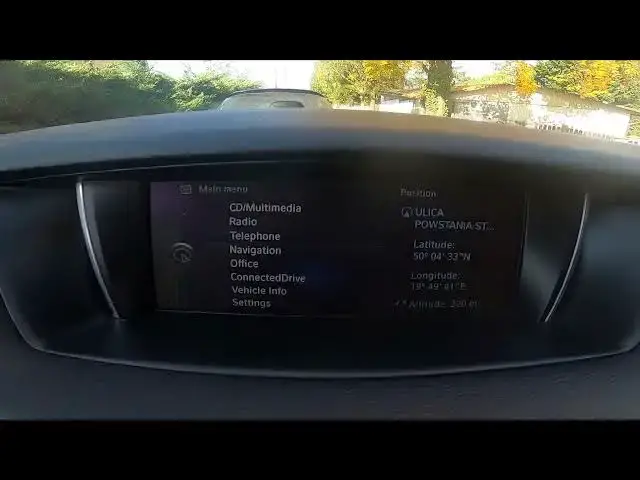

How to Check Navigation Version in BMW X1 F48 ( 2015 – now ) - Check Map Version
Aug 12, 2024

Find out more info about BMW X1 F48 ( 2015 – now ) : https://www.youtube.com/channel/UCZvHdPZzOdONixt5mRRolng
Would You like to know how to Check Map-Version in BMW X1 F48? Thanks to the map You'll be always able to get to Your destination on time and safely. You can also avoid traffic and road renovations so it is crucial to keep Your Navigation up to date. Follow the video we've provided above to learn how to Check Navigation Version in BMW X1 F48!
How to Check Map-Version? How to Check Navigation Version? How to Check Map Update?
#CheckMapVersion #CheckNavigationVersion
Years of Production:
2015 - now
Generation:
II Gen - ( 2015 - now )
Series:
Crossover ( 2015 - 2019 )
Crossover Facelifting ( 2019 - now )
Crossover Plug-In ( 2020 - now )
Follow us on Instagram ► https://www.instagram.com/hardreset.info
Like us on Facebook ► https://www.facebook.com/hardresetinfo/
Tweet us on Twitter ► https://twitter.com/HardResetI
Support us on TikTok ► https://www.tiktok.com/@hardreset.info
Use Reset Guides for many popular Apps ► https://www.hardreset.info/apps/apps/
Show More Show Less