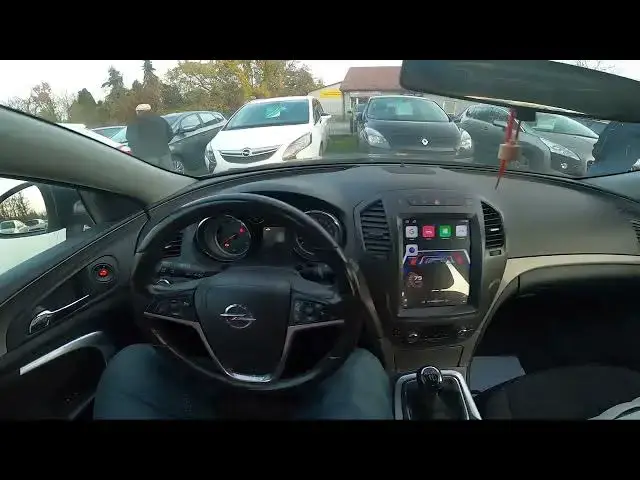

How to Change System Language in Opel Insignia I ( 2008 – 2017 )
Aug 14, 2024

Find out more info about Opel Insignia I ( 2008 – 2017 ) : https://www.youtube.com/channel/UCZvHdPZzOdONixt5mRRolng
Would You like to learn how to Change Onboard Computer Language in Opel Insignia I? Usually, the language in the car is set to the one in which it was produced, but what if You bring it from another country and You'll have to change the Language of the Onboard Computer? We've provided a quick tutorial from which You'll learn how to Change Onboard Computer Language in Opel Insignia I for You above!
How to Change System Language? How to Change Onboard Computer Language?
#ChangeLanguage #ChangeOnboardComputerLanguage #ChangeComputerLanguage
Years of Production:
2008, 2009, 2010, 2011, 2012, 2013, 2014, 2015, 2016, 2017
Generation:
I Gen - ( 2008 – 2017 )
Series:
Hatchback (2008 - 2013)
Sedan (2008 - 2013)
Sports Tourer (2009 - 2013)
Sedan OPC (2009 - 2013)
Hatchback OPC (2009 - 2013)
Sports Tourer OPC (2009 - 2013)
Country Tourer (2013 - 2016)
Sedan Facelifting (2013 - 2017)
Sports Tourer OPC Facelifting (2013 - 2016)
Sedan Facelifting (2013 - 2017)
Sedan OPC Facelifting (2013 - 2016)
Follow us on Instagram ► https://www.instagram.com/hardreset.info
Like us on Facebook ► https://www.facebook.com/hardresetinfo/
Tweet us on Twitter ► https://twitter.com/HardResetI
Support us on TikTok ► https://www.tiktok.com/@hardreset.info
Use Reset Guides for many popular Apps ► https://www.hardreset.info/apps/apps/
Show More Show Less